
1
Collect
Presenters upload slides and revisions through one branded portal.
Windows Room Delivery
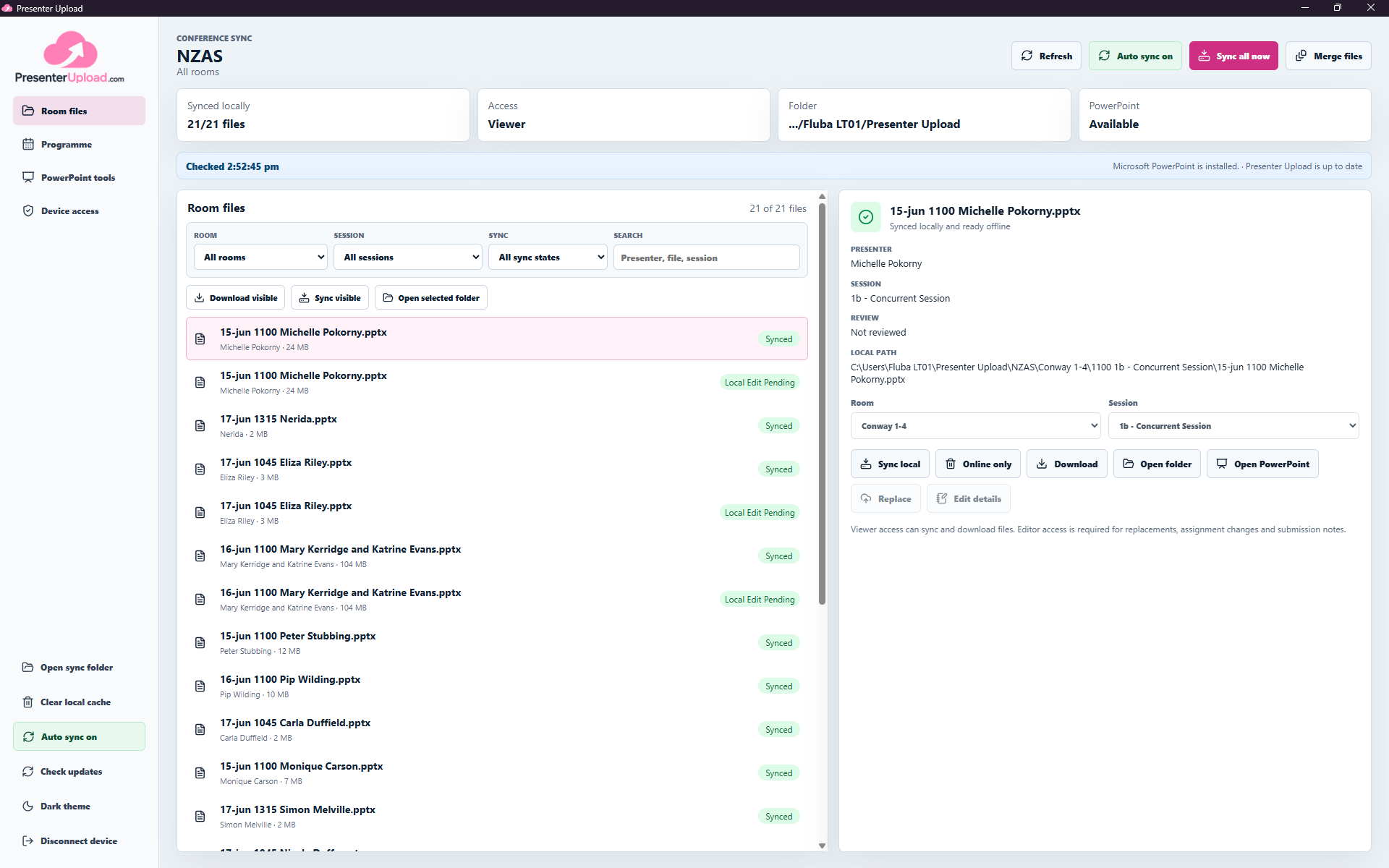
Presenter Upload follows each file from the speaker portal, through programme matching, to the Windows laptop assigned to the room.
Latest public release: Windows app 0.4.12-beta
From Portal To Room
The web platform and Windows app share the same conference, programme, file versions and room assignments.
Presenters upload slides and revisions through one branded portal.
The web workspace matches each file to its presenter, session and room.
Each device claims one room or the full conference with an access code.
The latest assigned files stay synced and available locally onsite.
Built For Onsite Teams
Give AV, speaker-prep and room teams fast local access without disconnecting them from the programme or the latest file version.
Keep conference, room and session files on the local machine so operators can work even when venue internet is slow or unreliable.
Auto sync keeps local folders updated as new files arrive, while manual sync and download controls give operators a simple fallback.
Connect with a reusable access code, choose one room or the full conference and give each operator only the access they need.
Open decks in PowerPoint, merge session files and export PDFs while keeping the room and session context visible.
Search the live programme for a presenter, see what has arrived and upload a missing file or new version without leaving the onsite workflow.
Run a focused speaker-prep kiosk with presenter search, native slideshow launch and a secure upload handoff for late files.
One Conference, The Right Scope
Resolve the device access code, choose the room or full-conference scope, then let Presenter Upload prepare the local file set. Other rooms remain visible without filling the laptop with files it does not need offline.
Install the Windows app, connect the device to its conference and keep the operator focused on the files required for that room.