01
Create a new conference
Start with a draft workspace for each event.
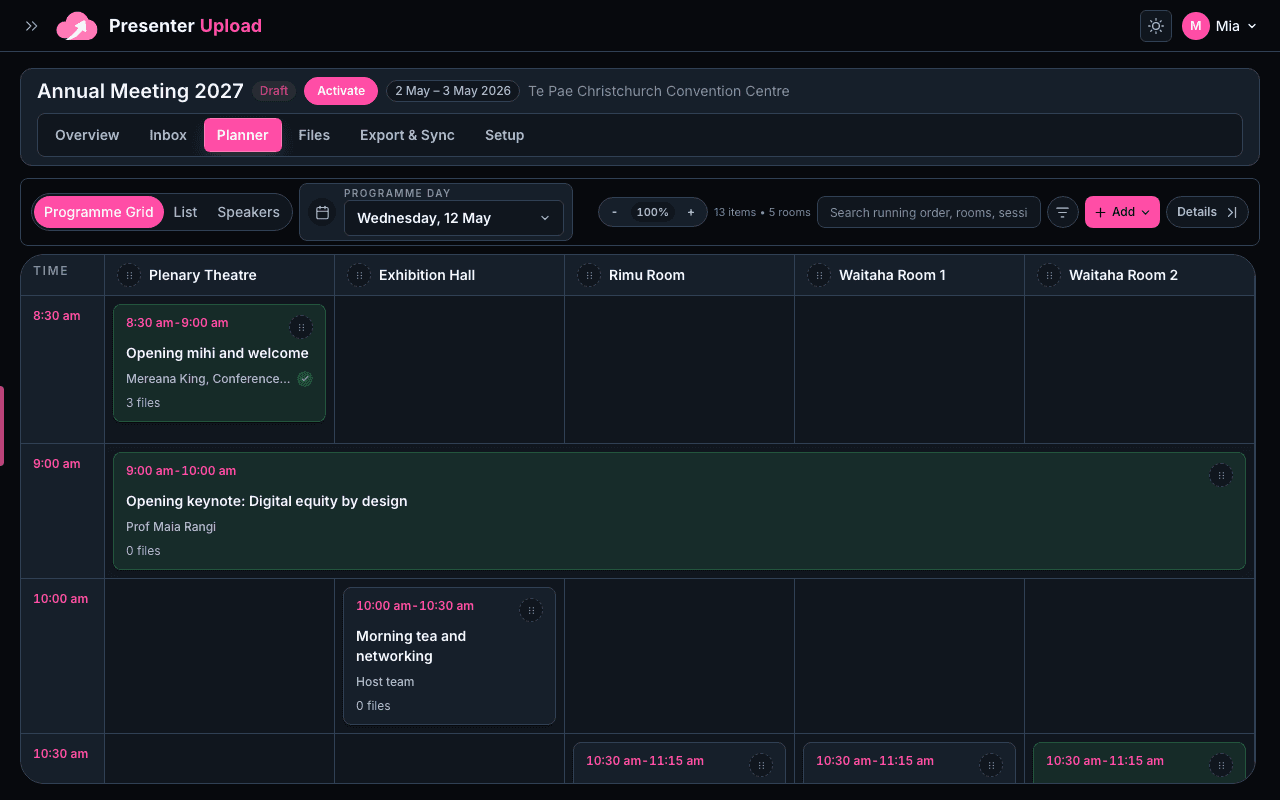
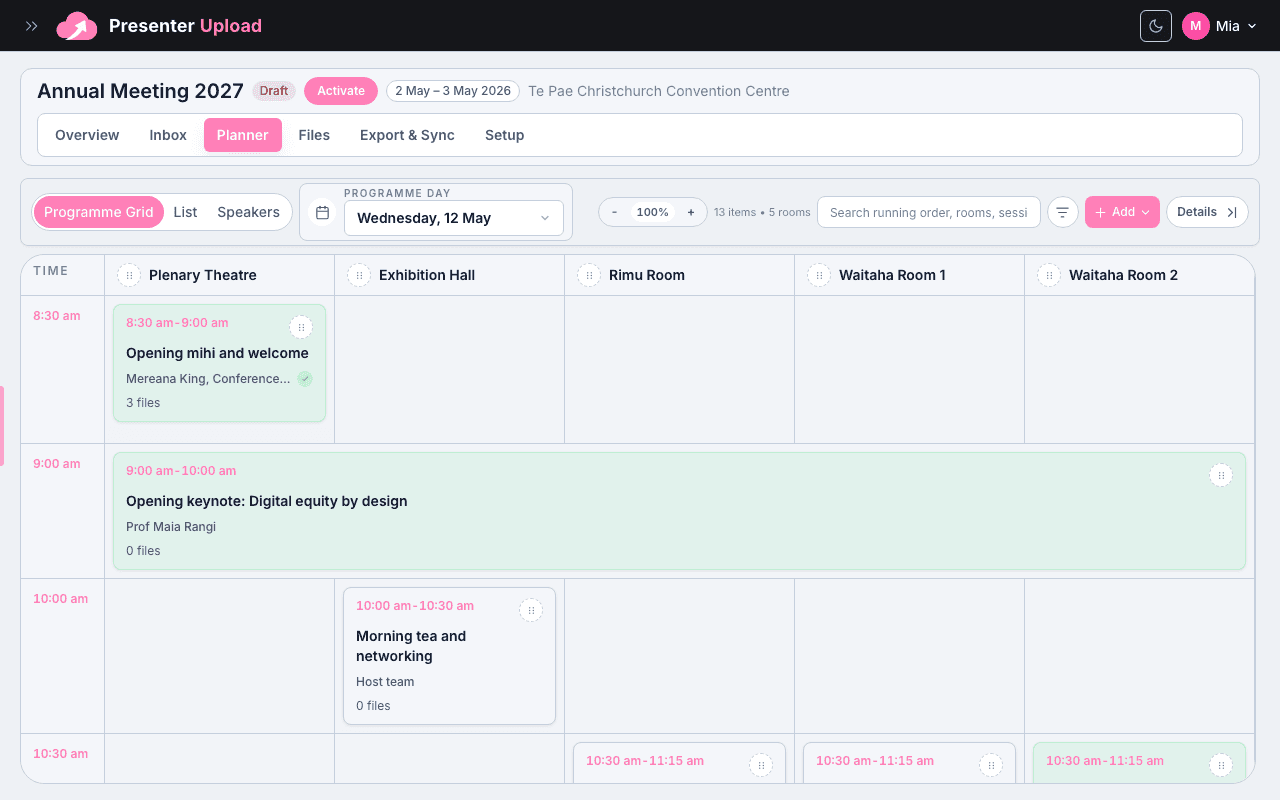
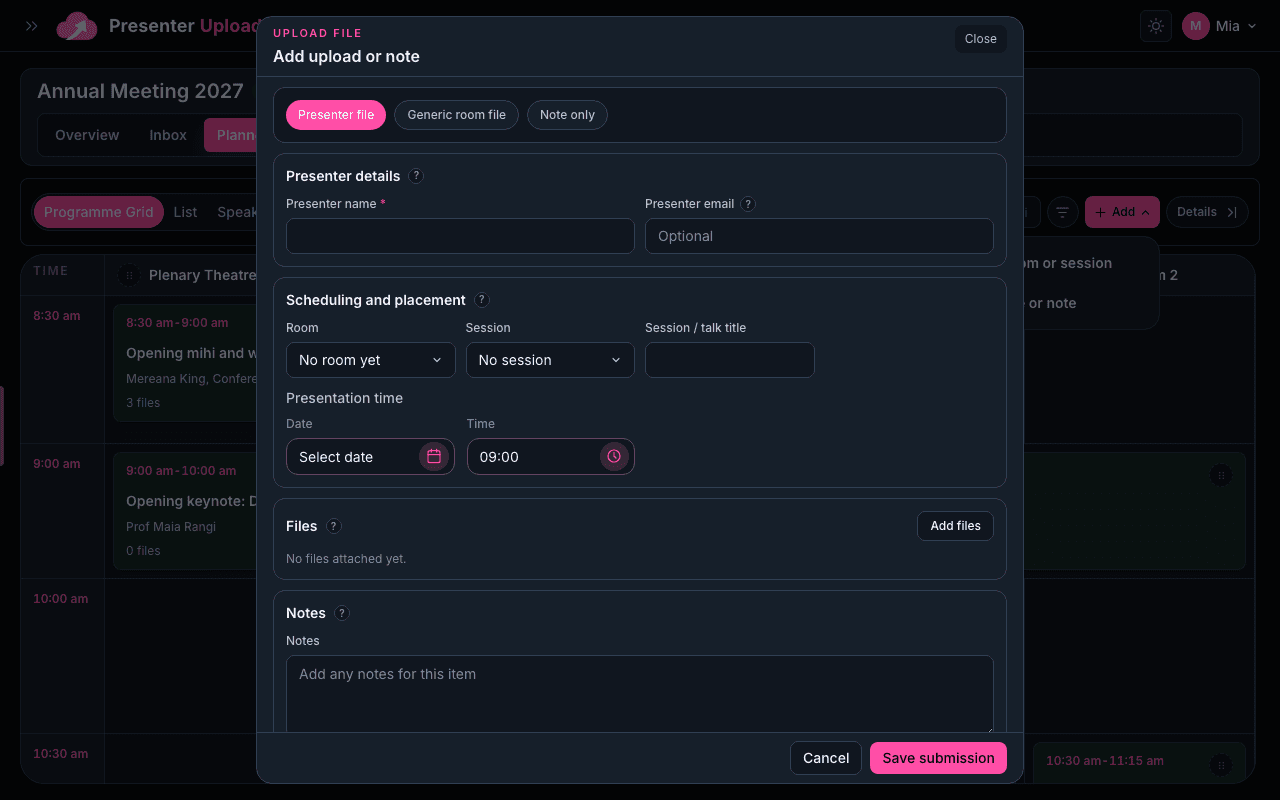
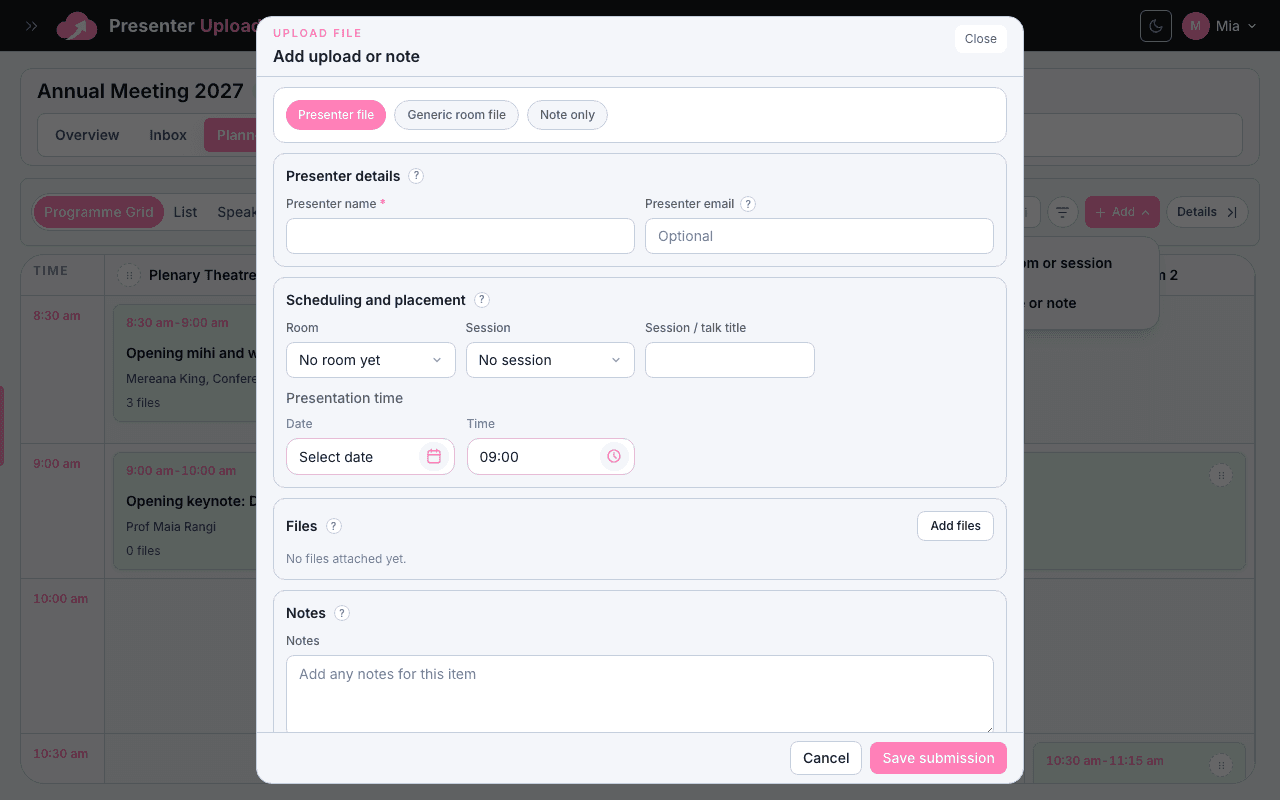
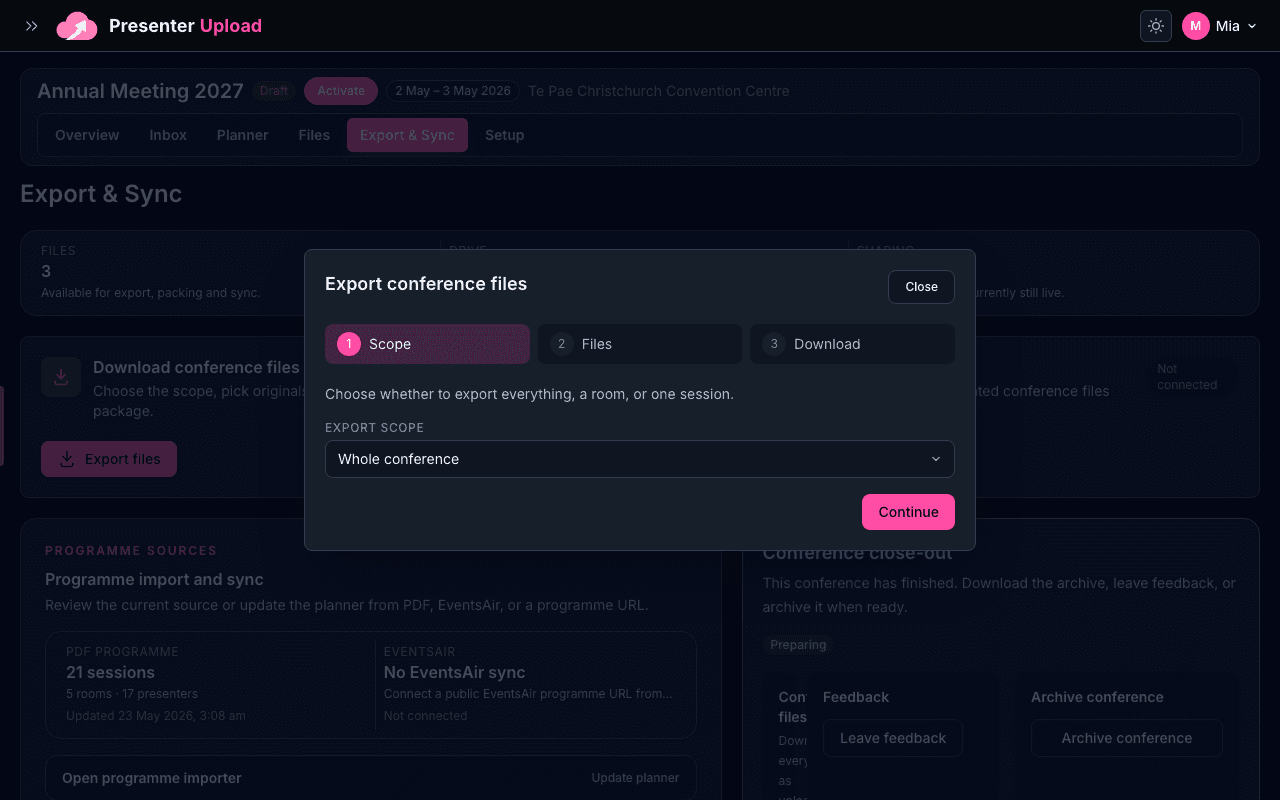
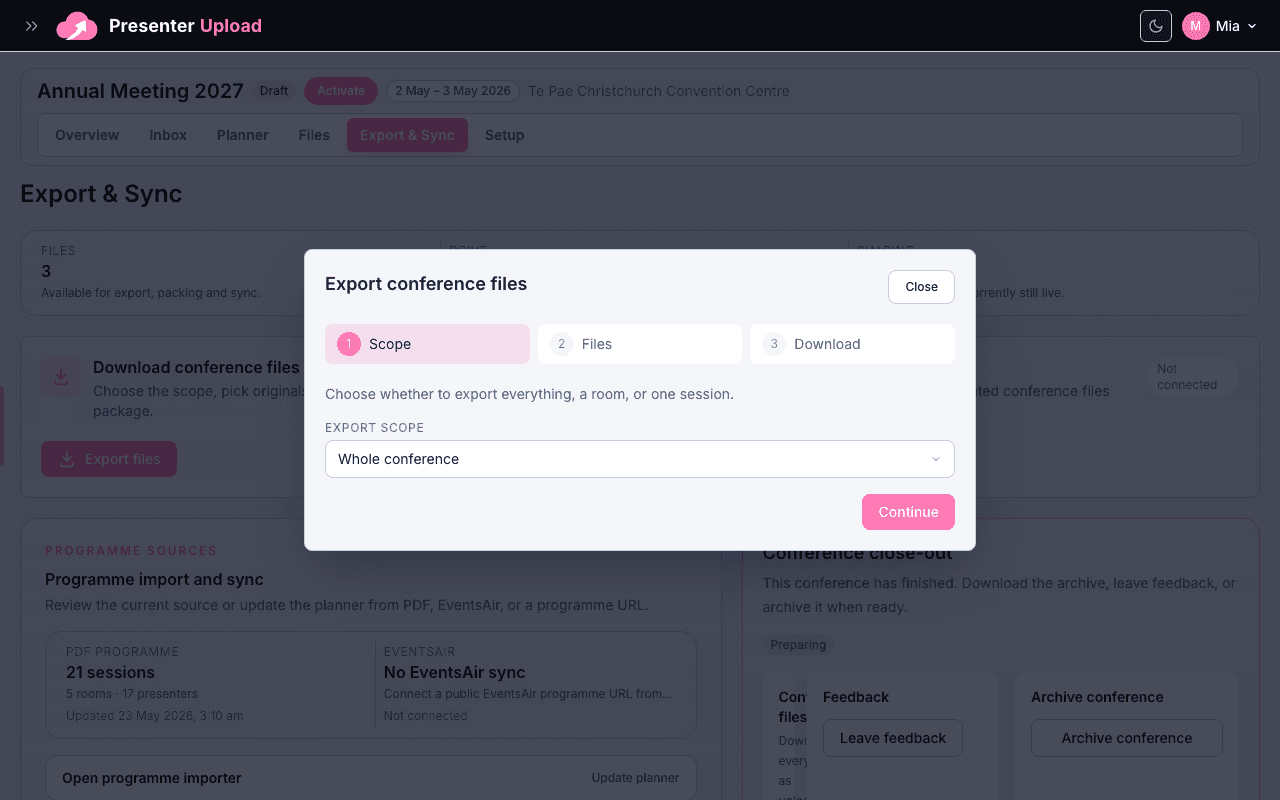
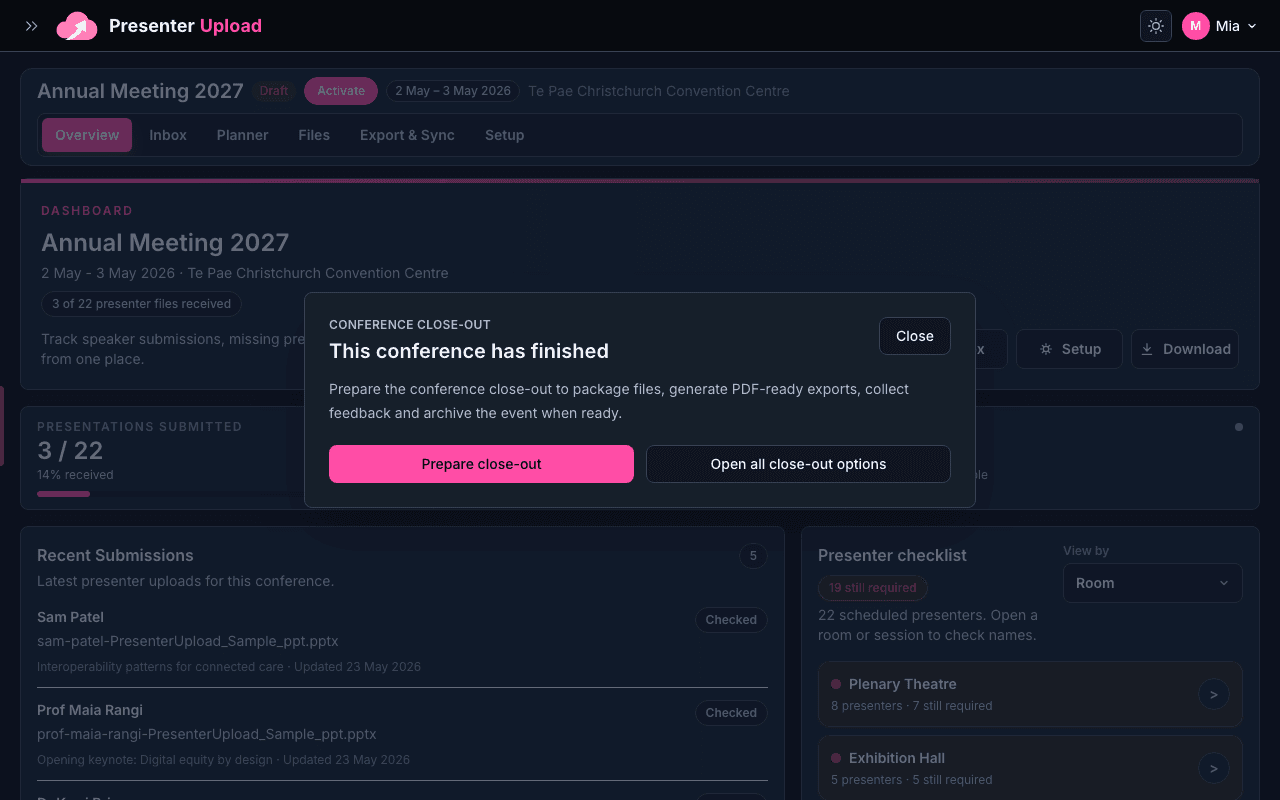
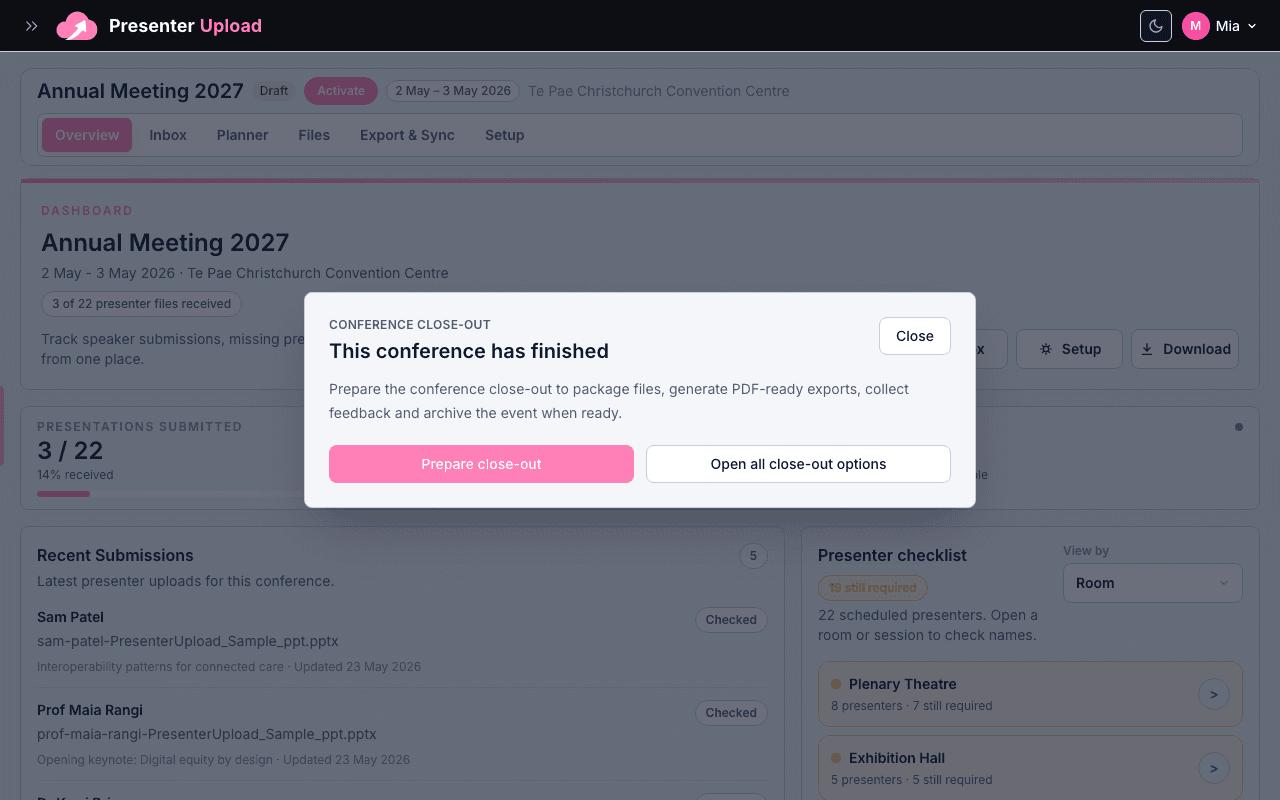
Create one conference workspace for each event. Keep it in draft while you add the details, then activate it when the upload portal and programme are ready.
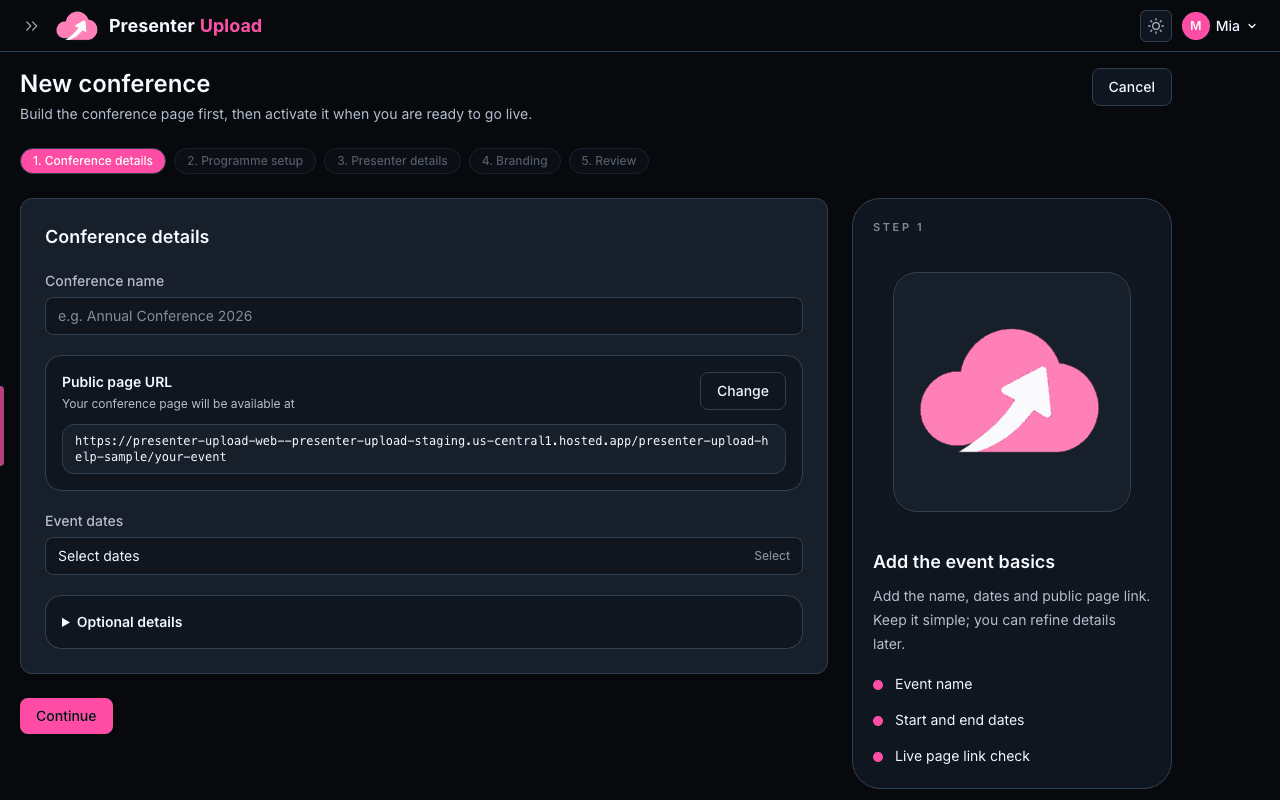
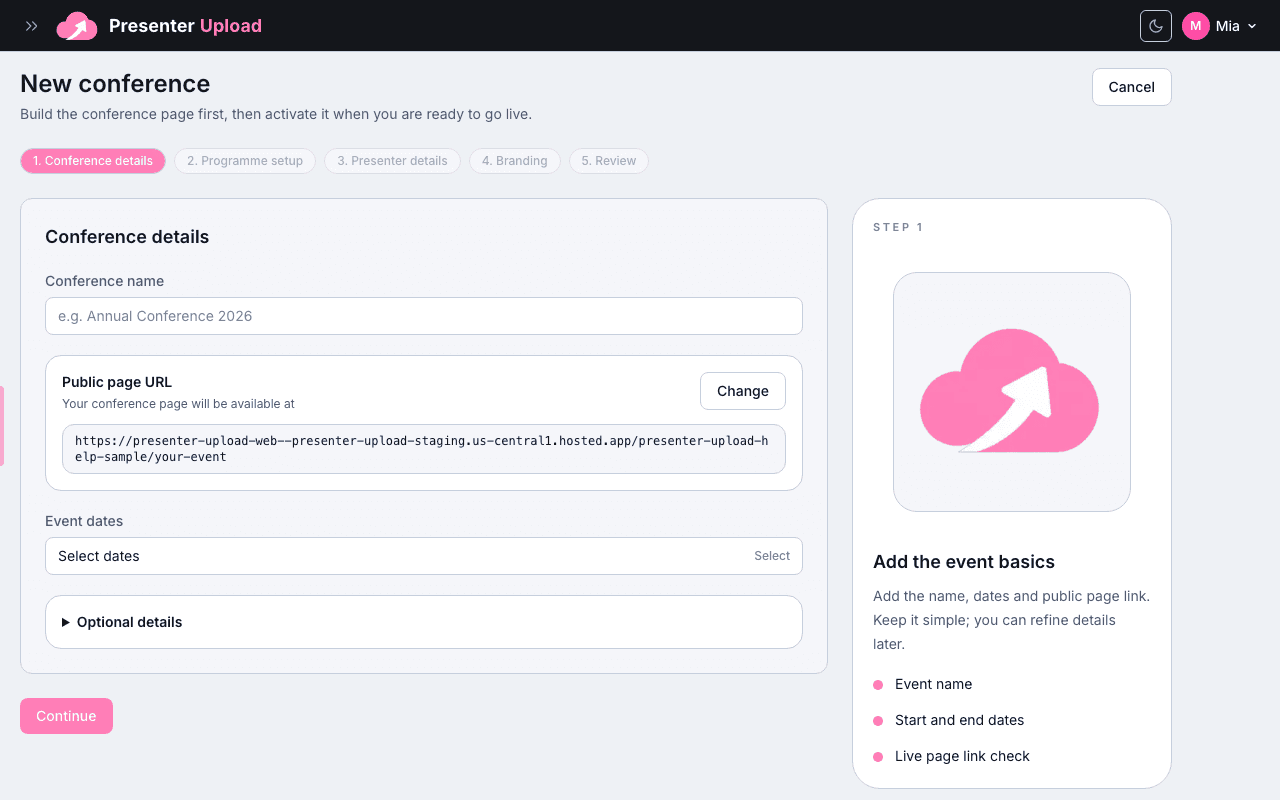
- 1Start the conferenceOpen Conferences and choose New conference. Add the event name exactly as presenters and AV teams should see it.
- 2Add the core detailsAdd the venue, event dates and timezone. These details help the programme, presenter deadlines and room handover stay consistent.
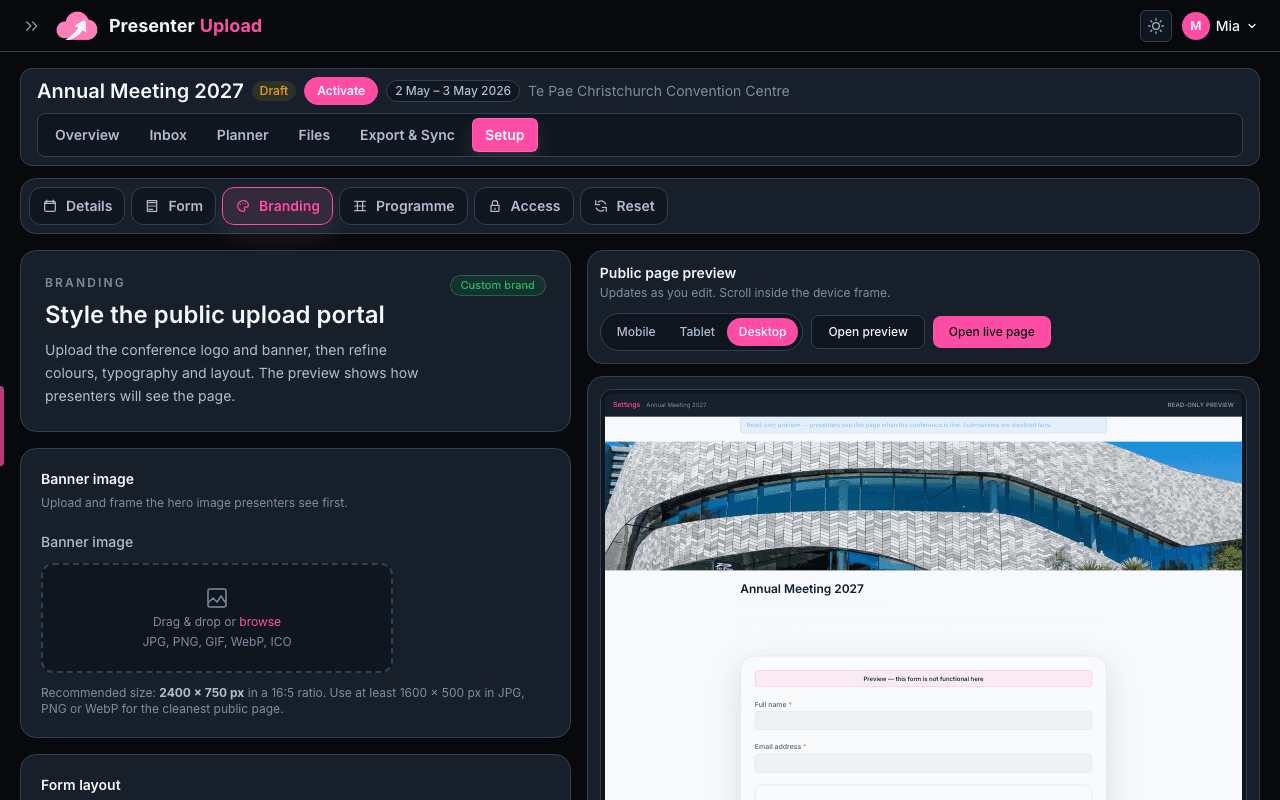
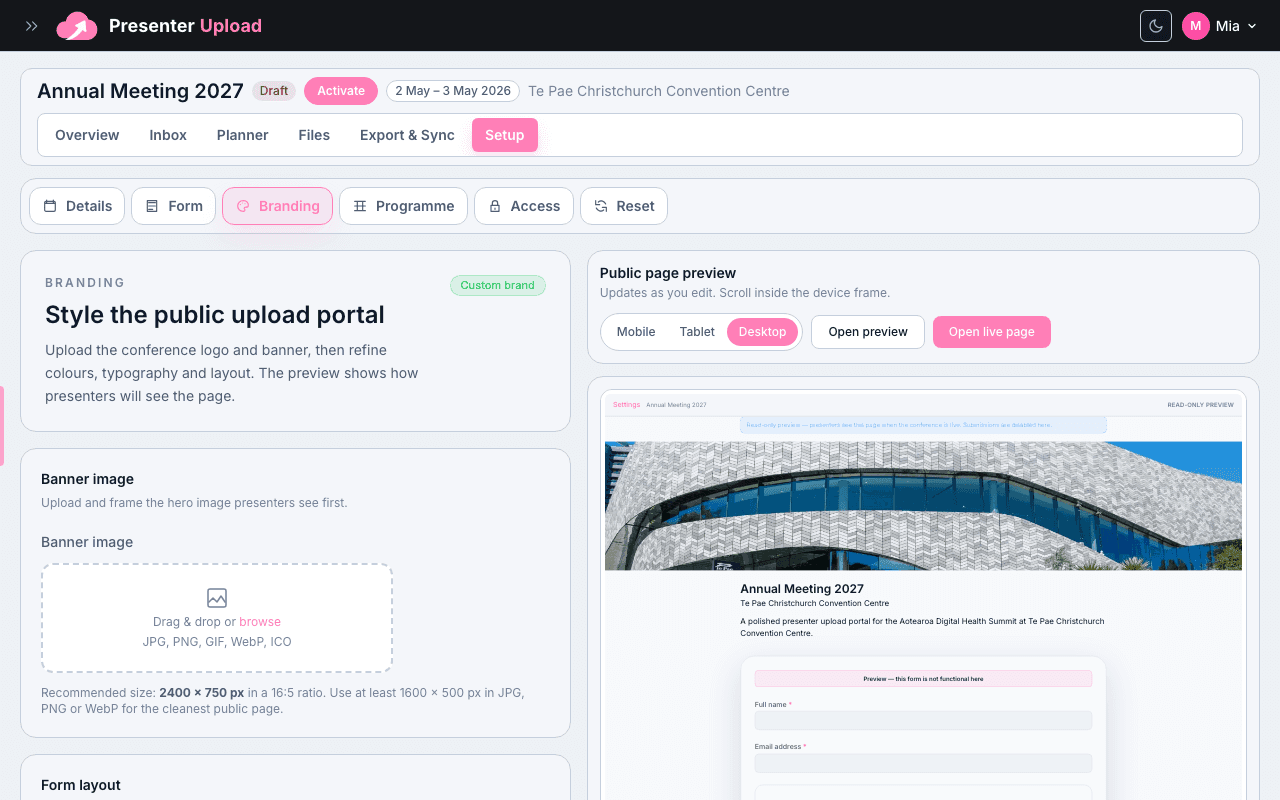
- 3Save as draftSave the conference as a draft first. You can return to branding, programme setup and sharing before presenters receive the link.