
Conference Workflow
How Presenter Upload works for conference teams.
A step-by-step guide from presenter upload and programme matching through to the latest files synced on each conference room laptop.
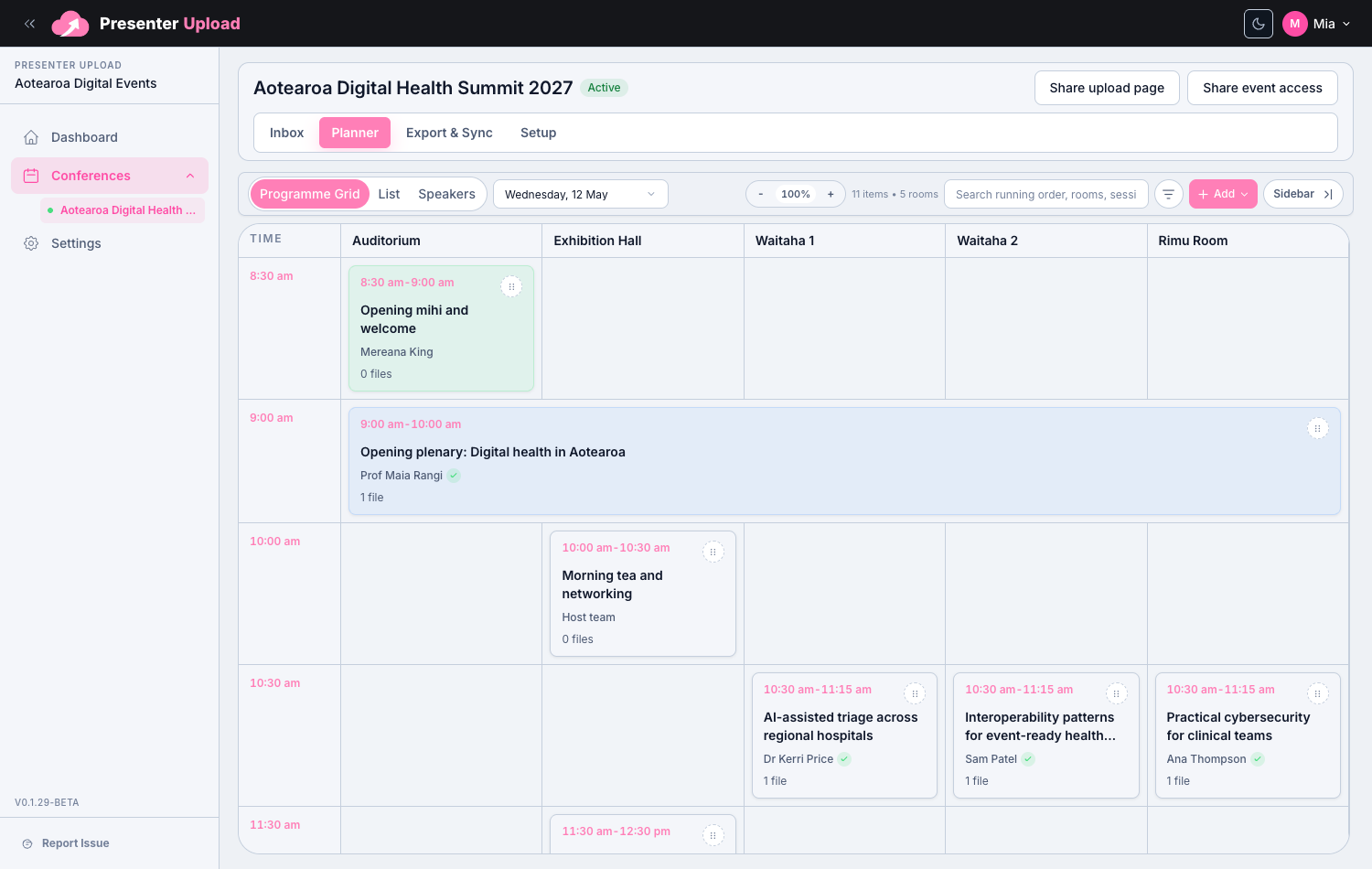
01
Setup
Create the upload portal.
Create a conference workspace and add the event name, dates and organiser details.
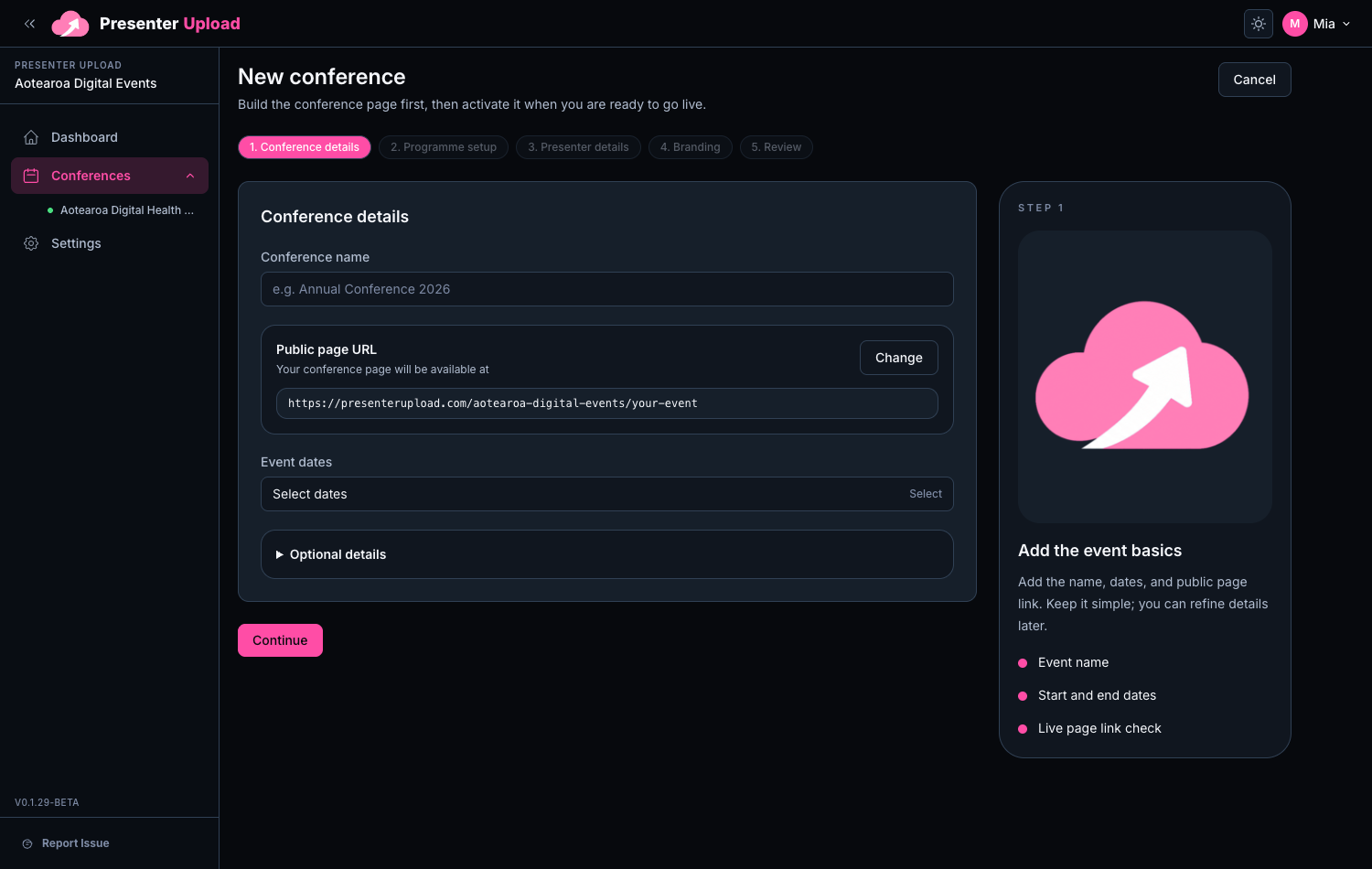
02
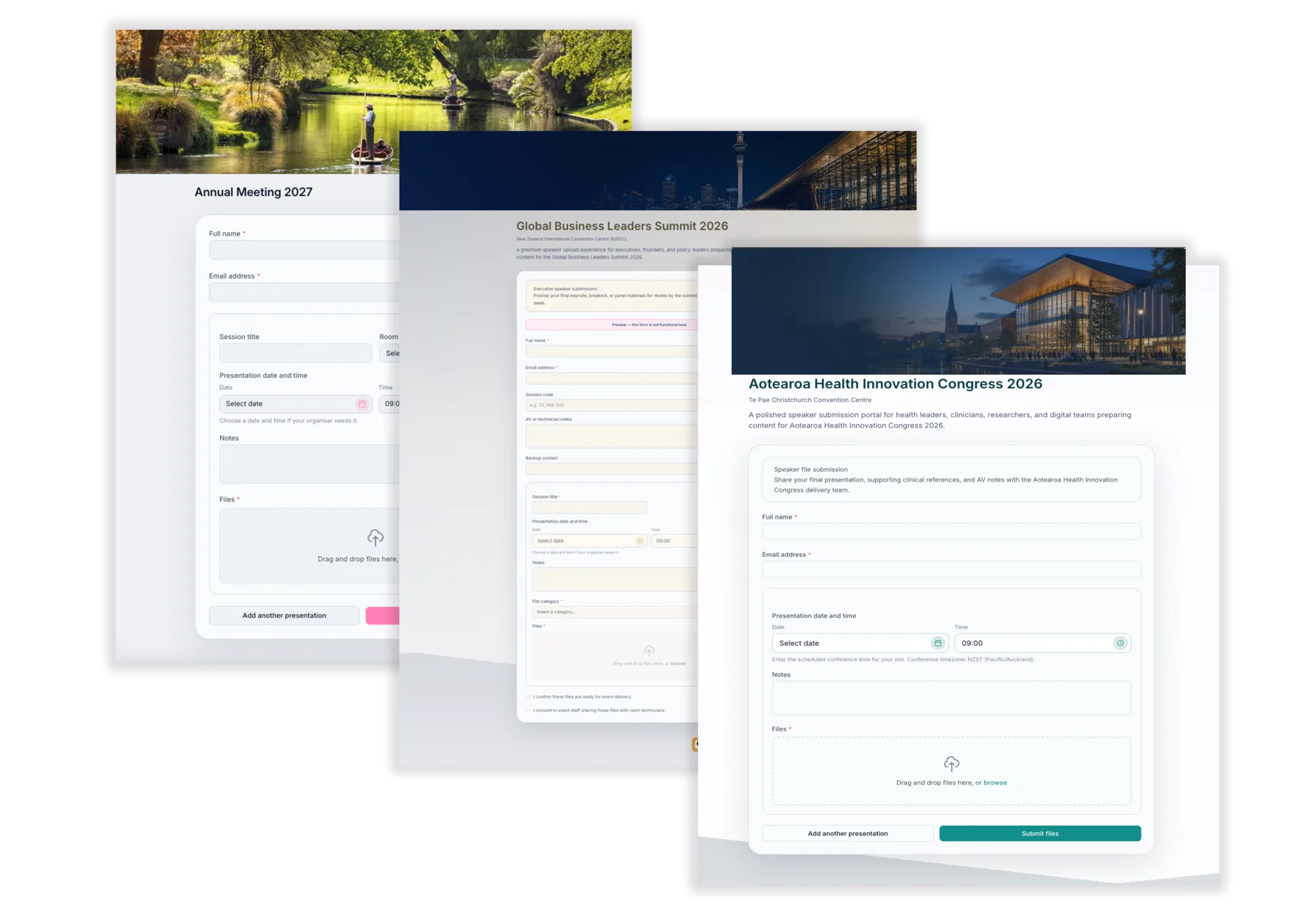
Branding
Brand it for the conference.
Add the event logo, colours, banner and presenter instructions so the portal feels familiar.
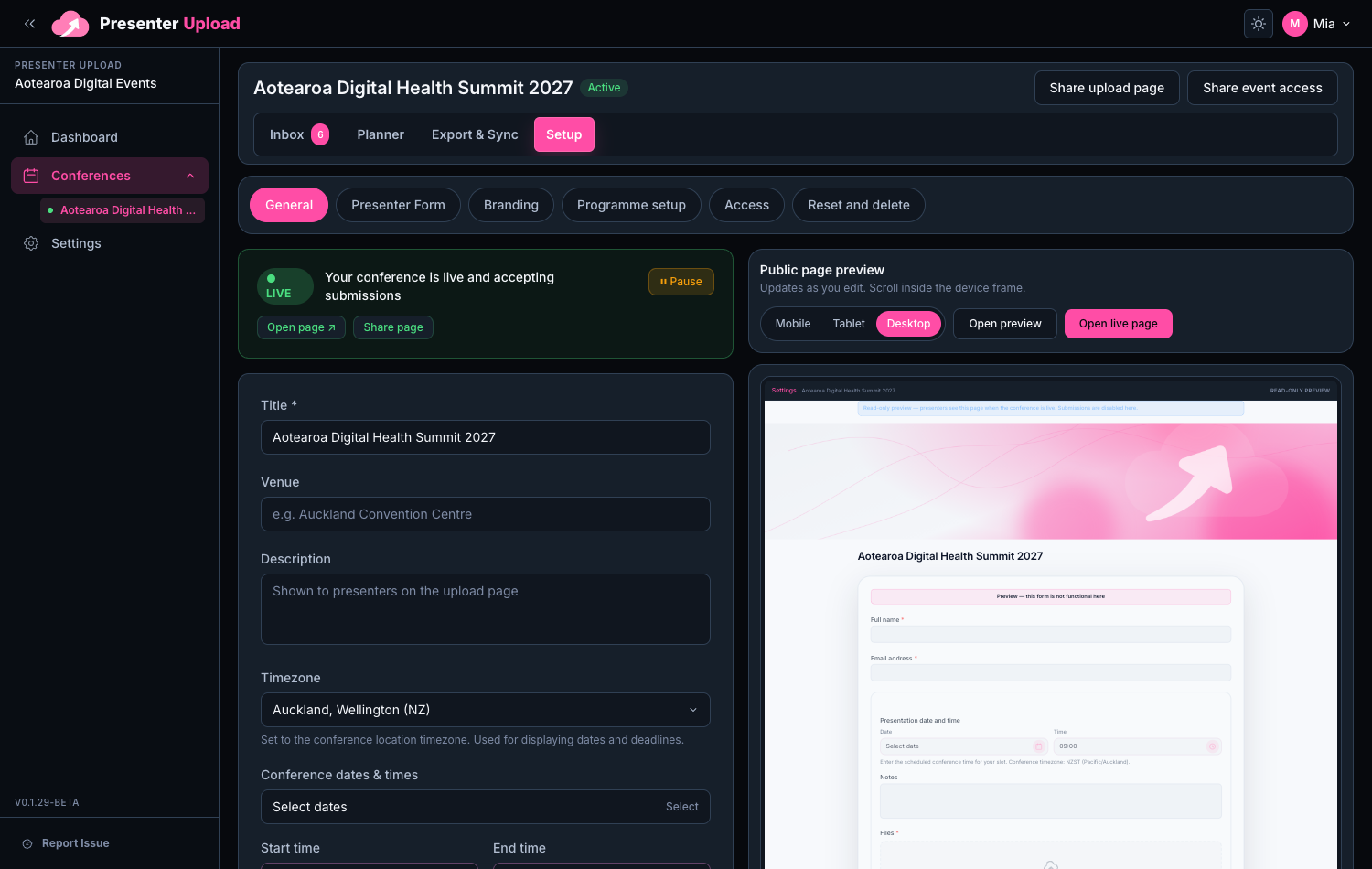
03
Activation
Open the conference for submissions.
Activate the conference when you are ready to collect files and publish the presenter-facing link.
04
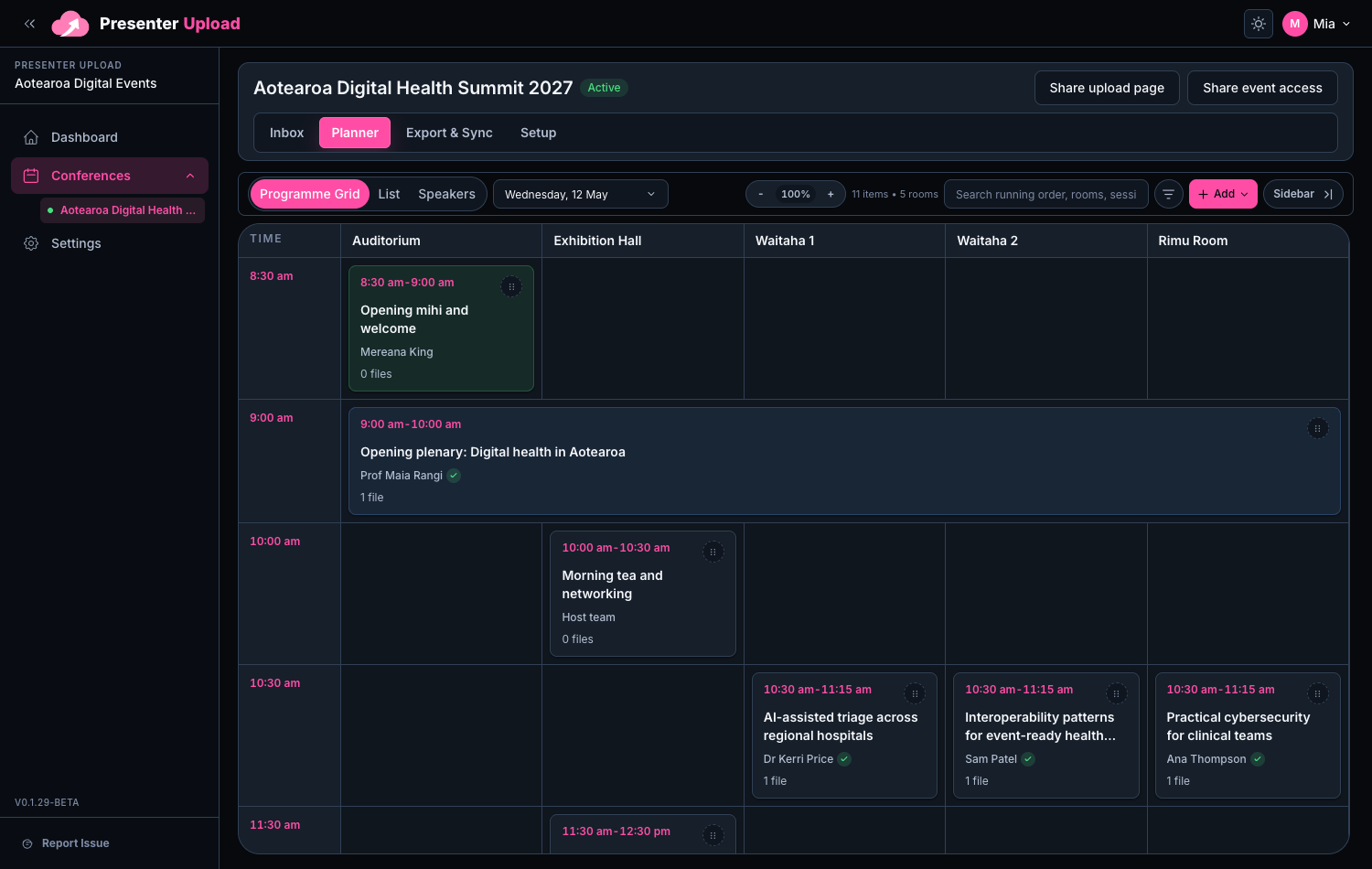
Programme
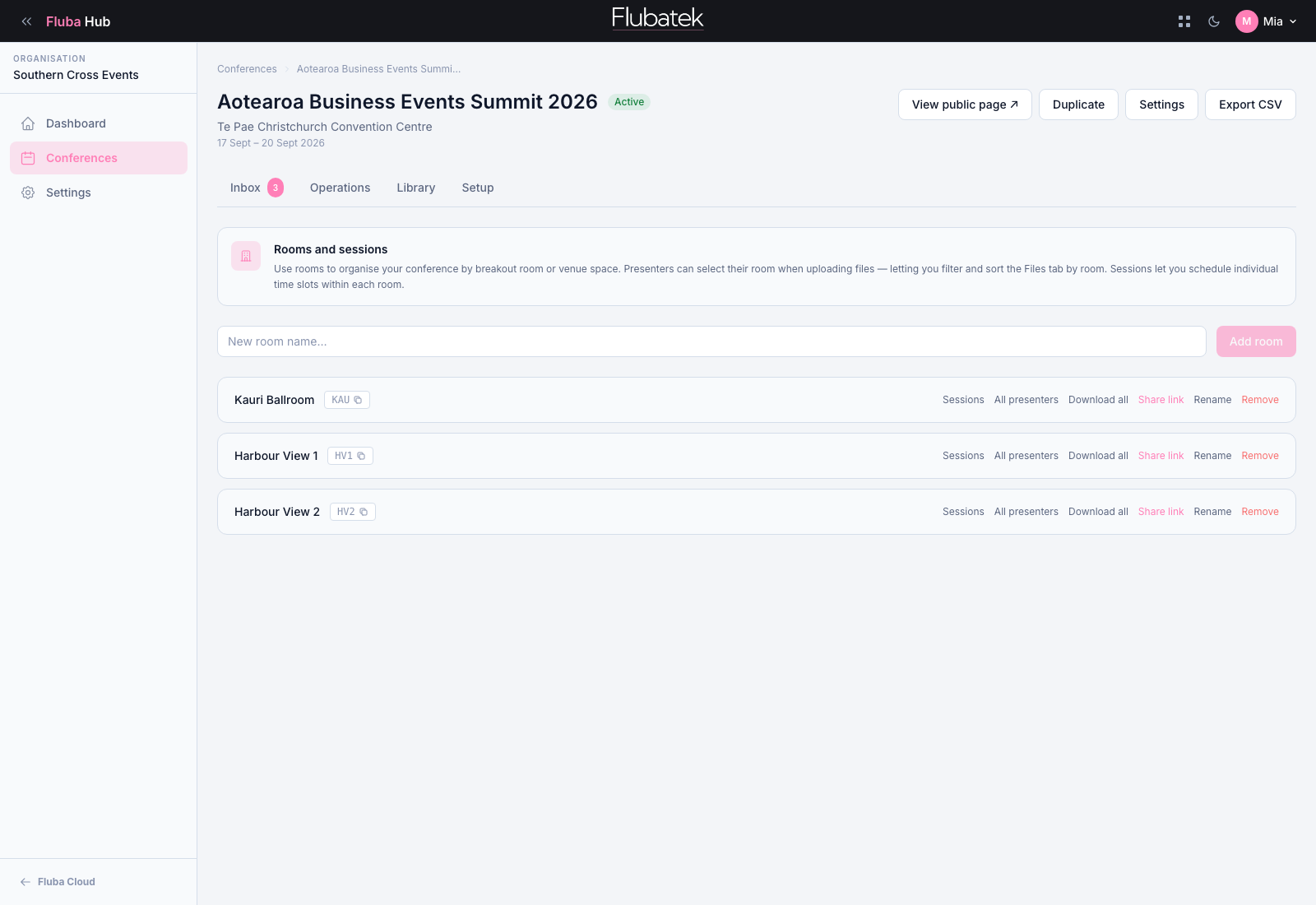
Import or build the programme.
Import the programme or create rooms, sessions and presenters directly in the workspace.
05
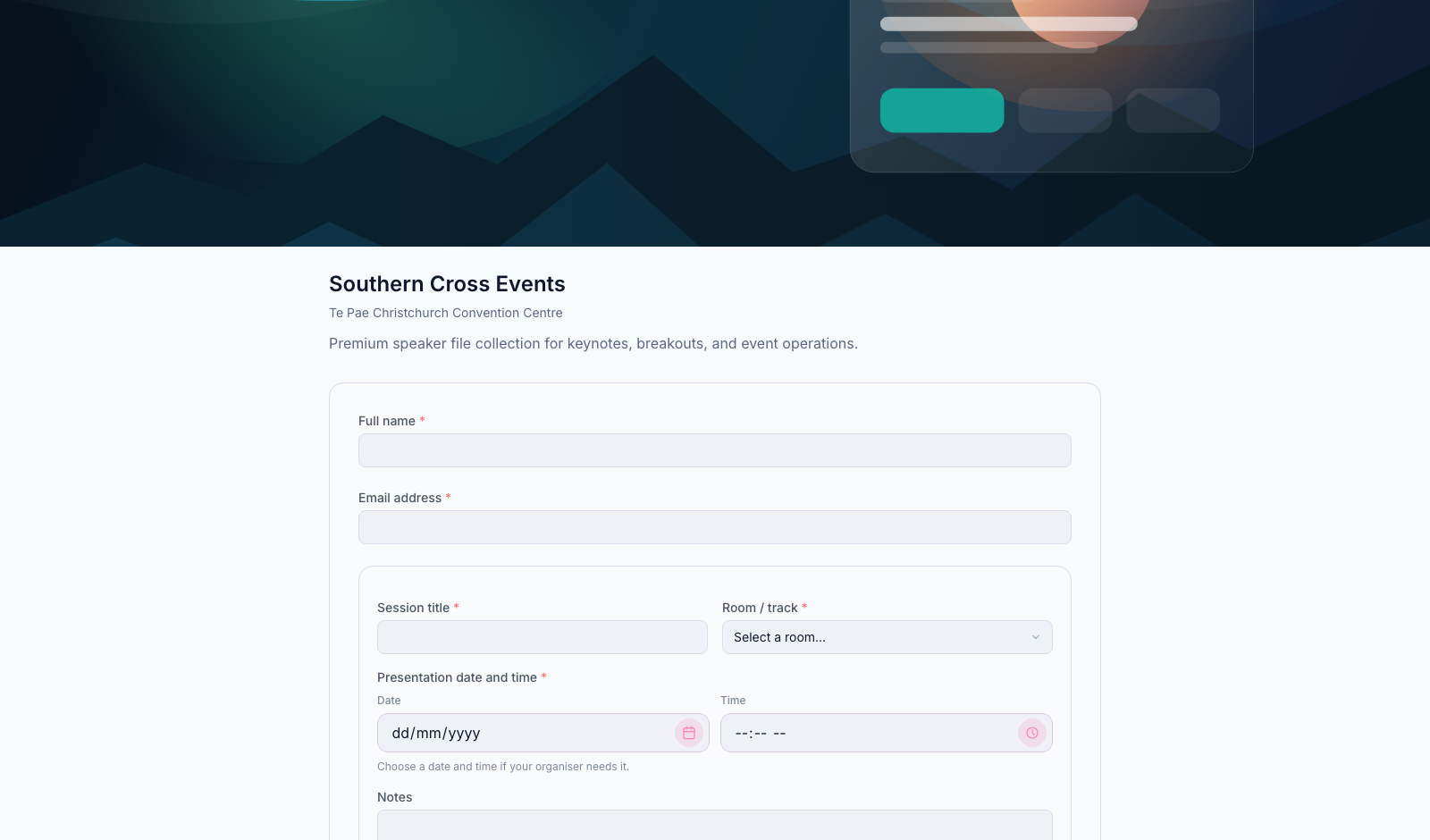
Collection
Share the conference link.
Share one clear link with speakers, secretariats or event managers so files arrive in one place.
06
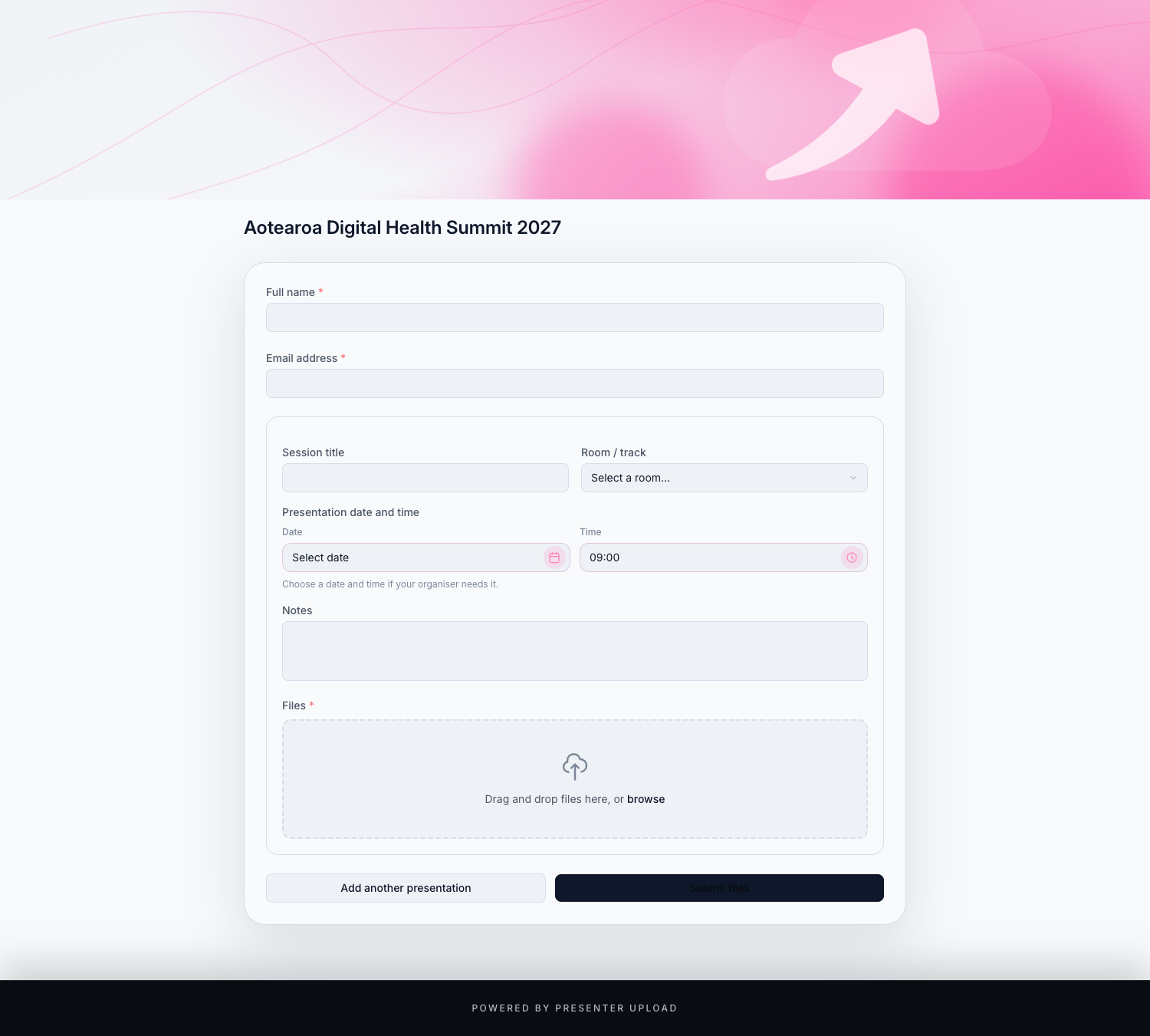
Presenter Uploads
Presenters send the right files.
Presenters upload slides, support files and notes through the branded portal without needing an account.
07
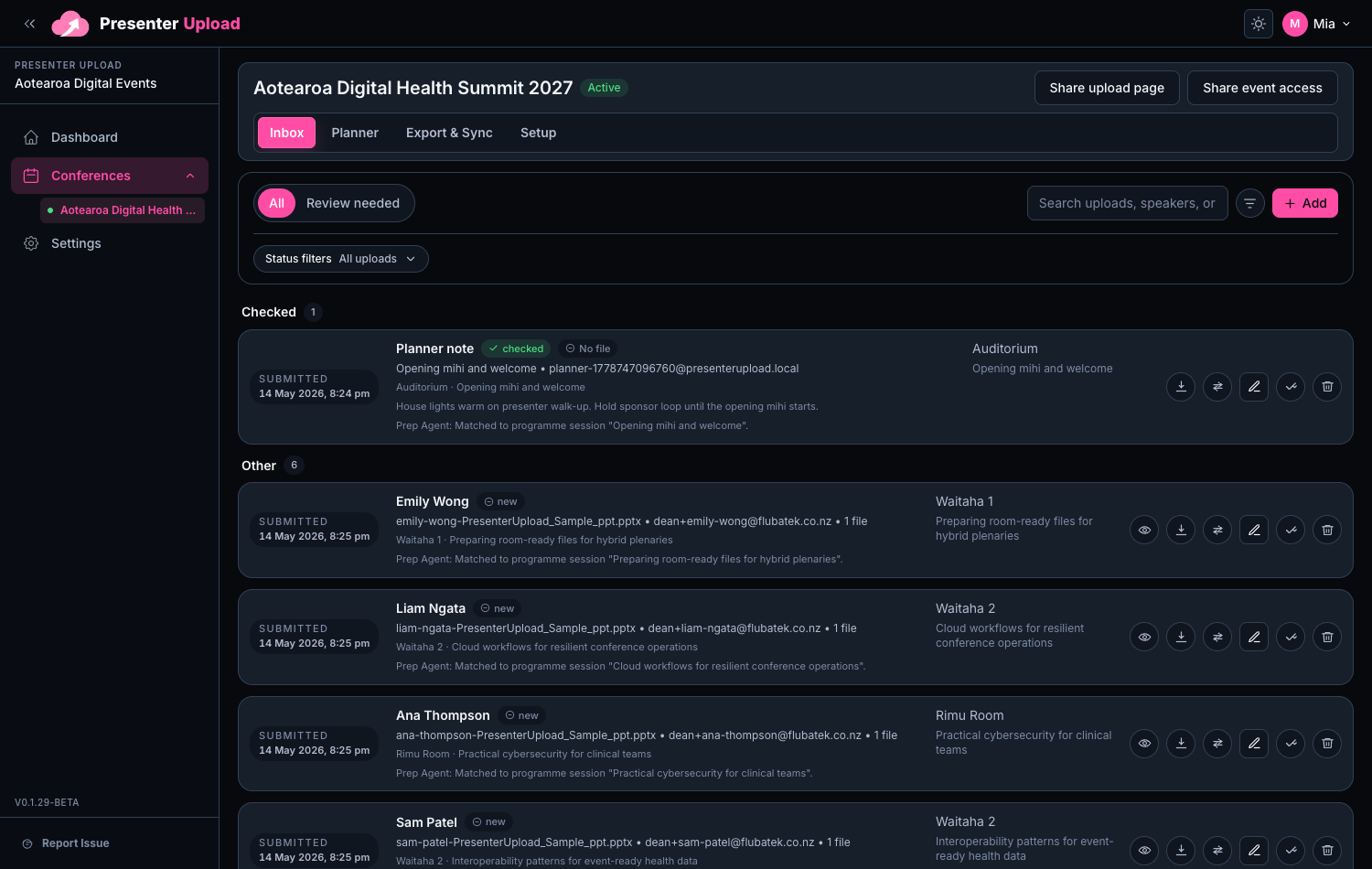
Prep Agent
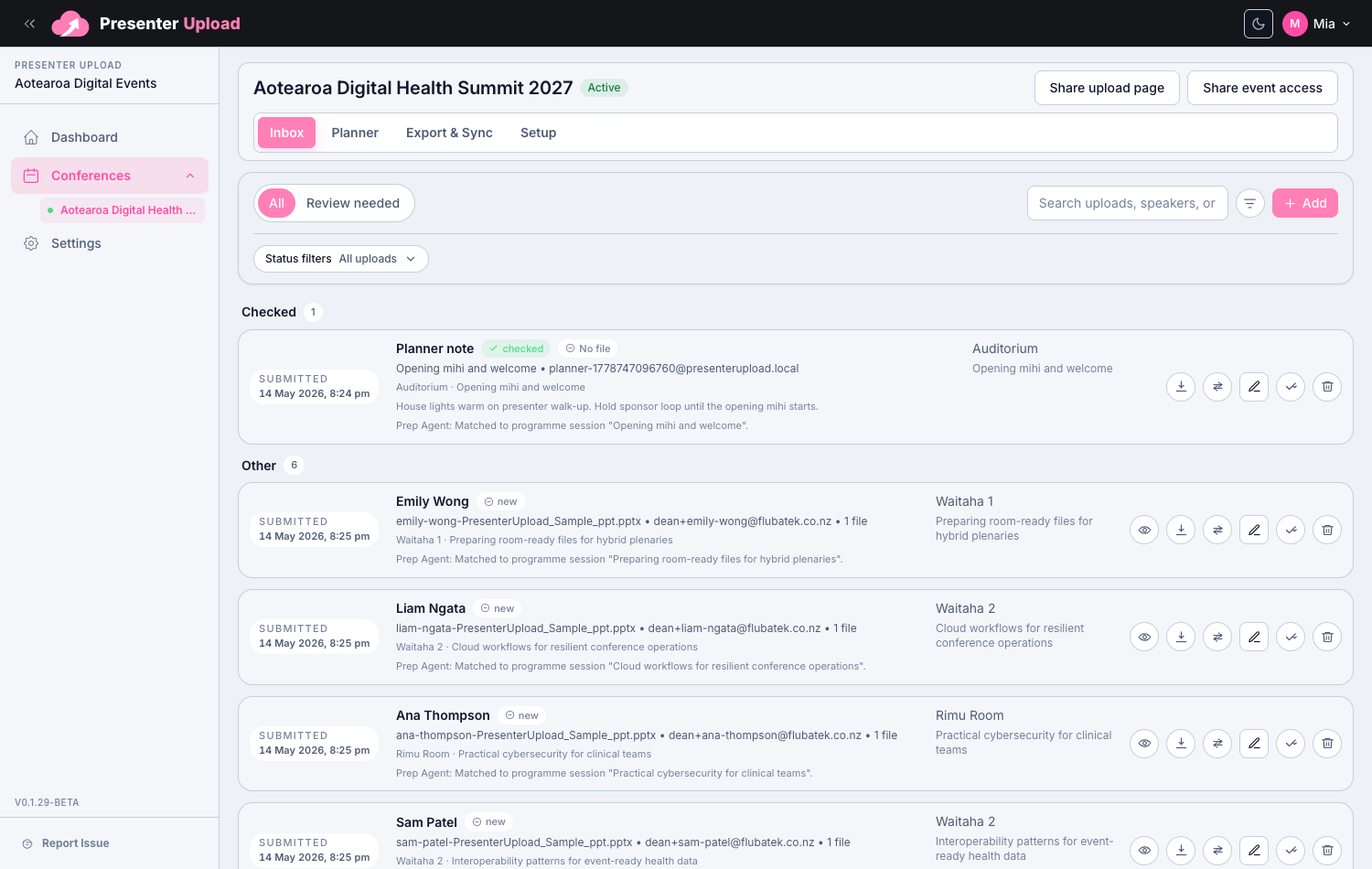
Review and assign submissions.
Review new and changed submissions, then use Prep Agent suggestions to match files to the programme.
08
Handover
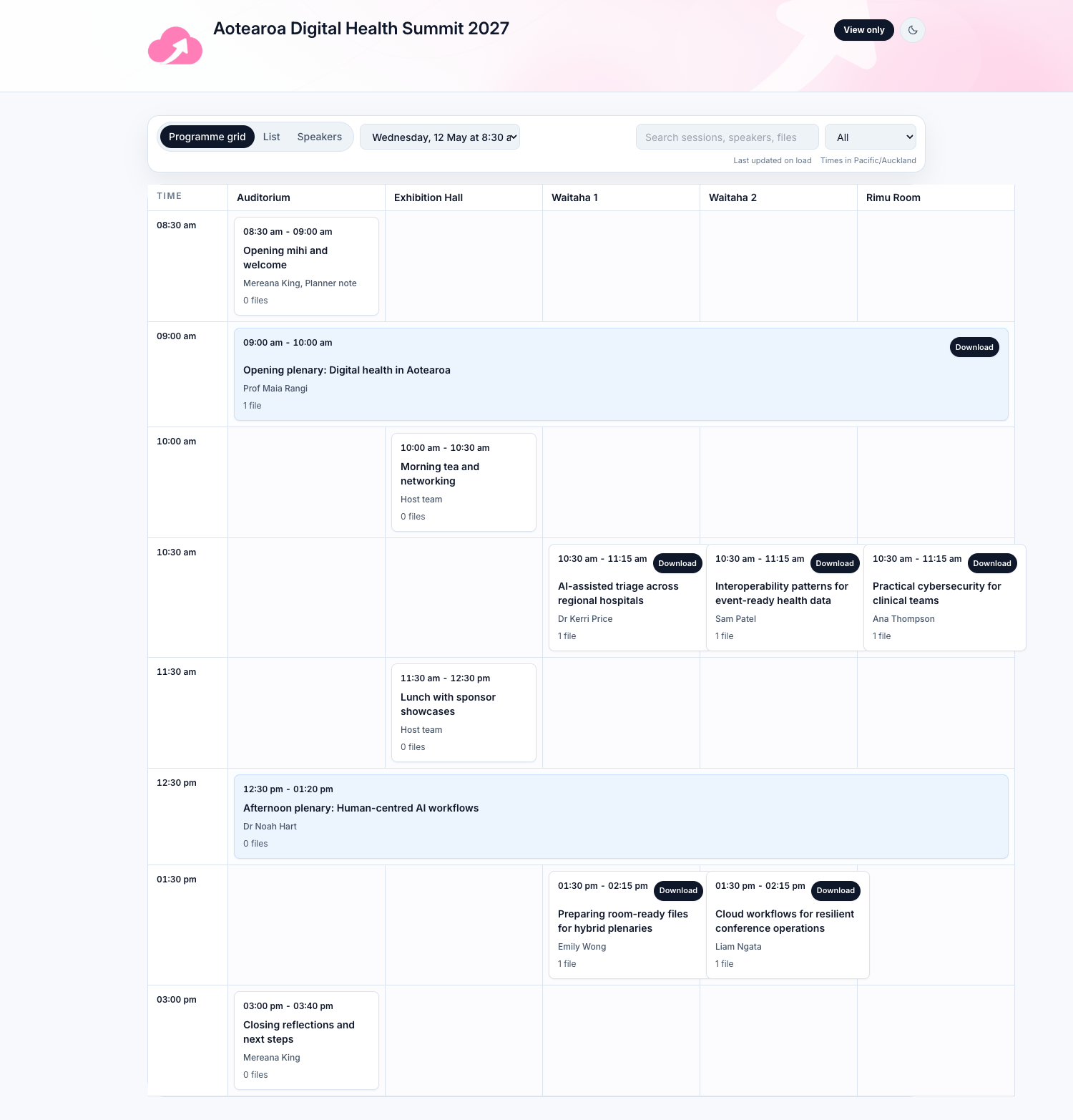
Confirm the room-ready handover.
Event share pages organise files by room, session and presenter so venue and AV teams can review or download exactly what they need.
09
Windows Room Sync
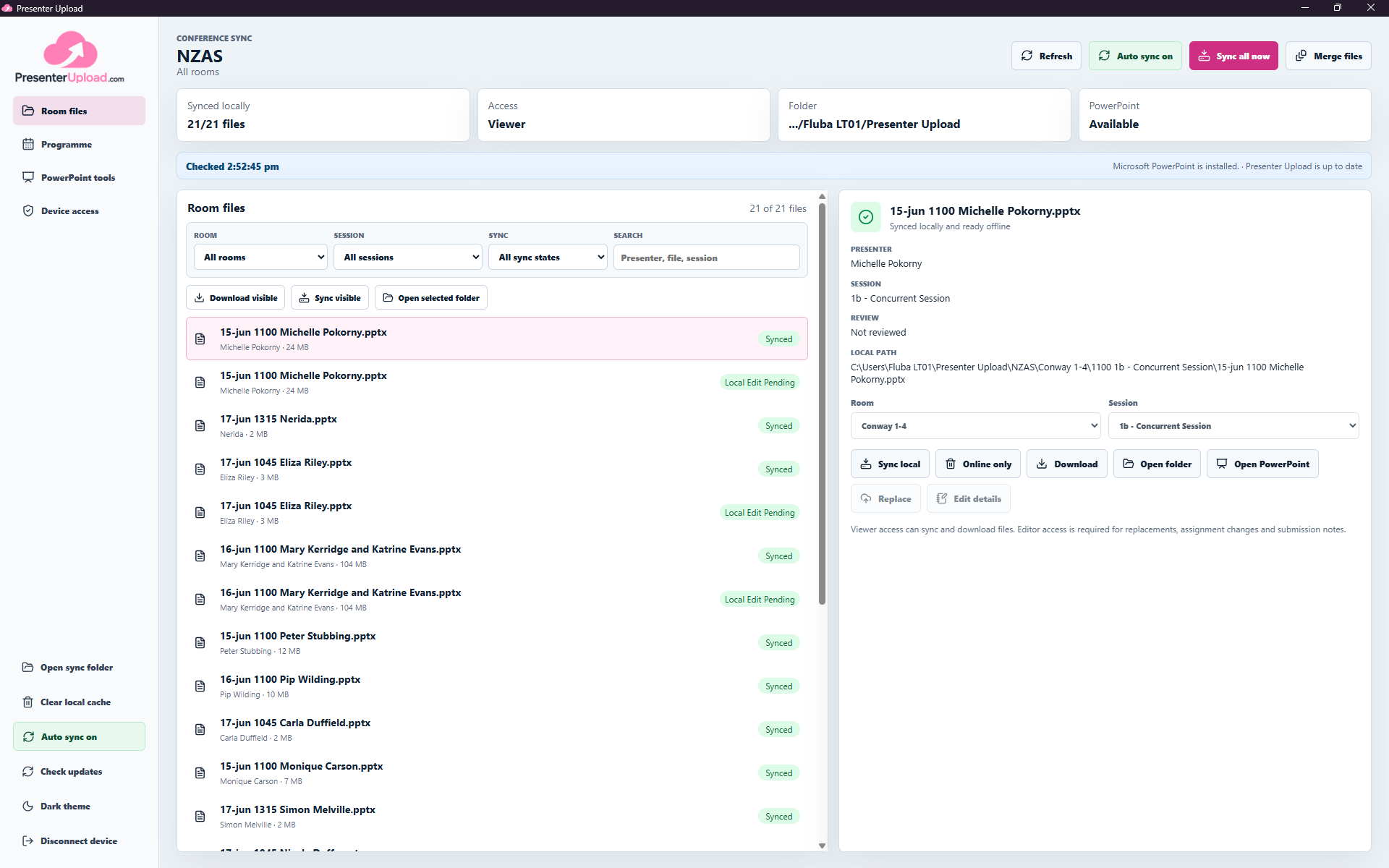
Sync the right files to every room.
Connect each Windows device with an access code, choose its room or conference scope and keep the latest assigned files available locally for the operator.
Ready to manage conference files end to end?
Create the portal, collect and prepare submissions, then keep every room laptop synced with the files its operator needs.