
Event operations teams

Event presentation management from first upload to final handover.

Keep conference presentation work moving with one workspace for setup, review, sorting and delivery preparation.

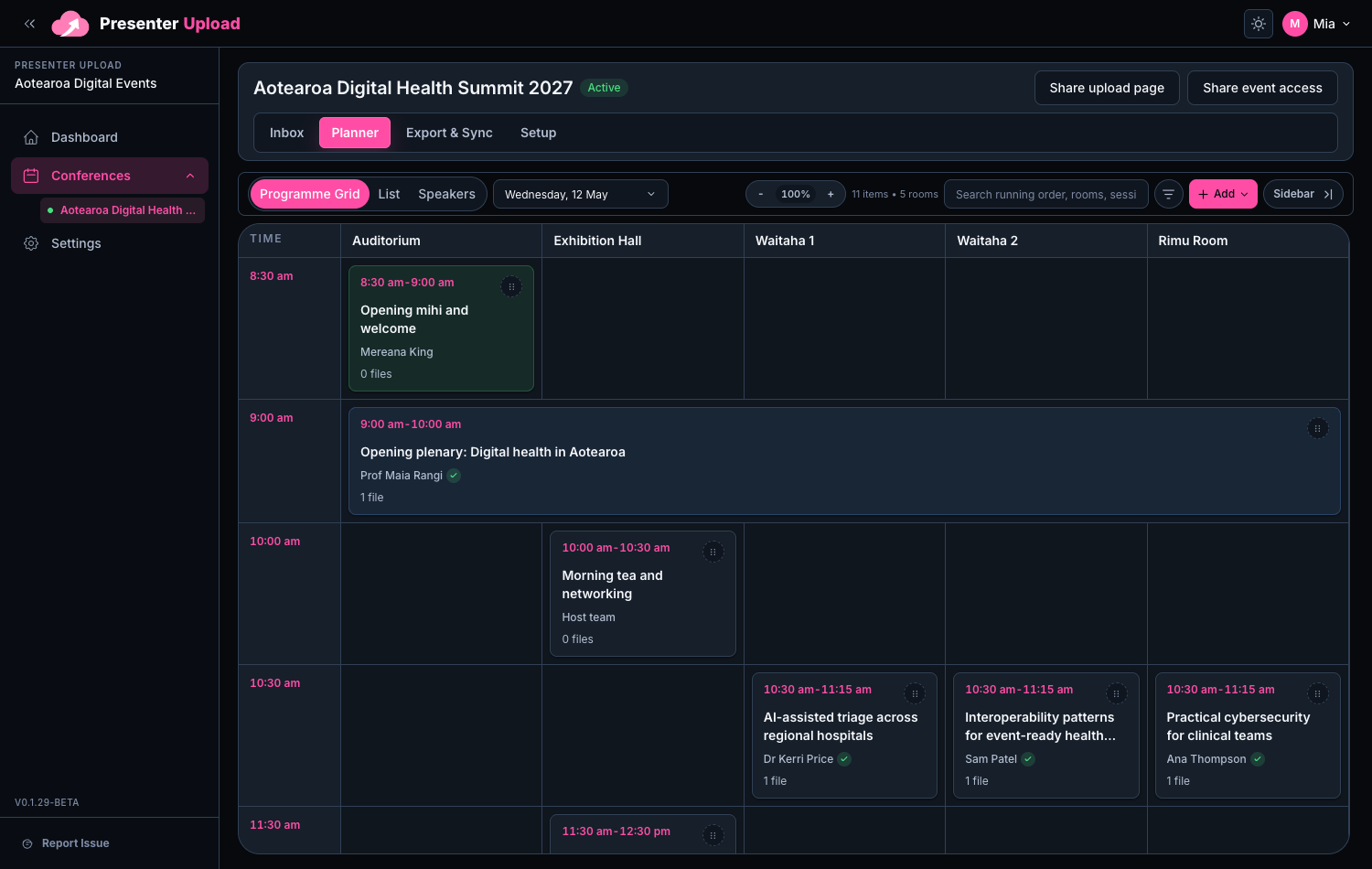
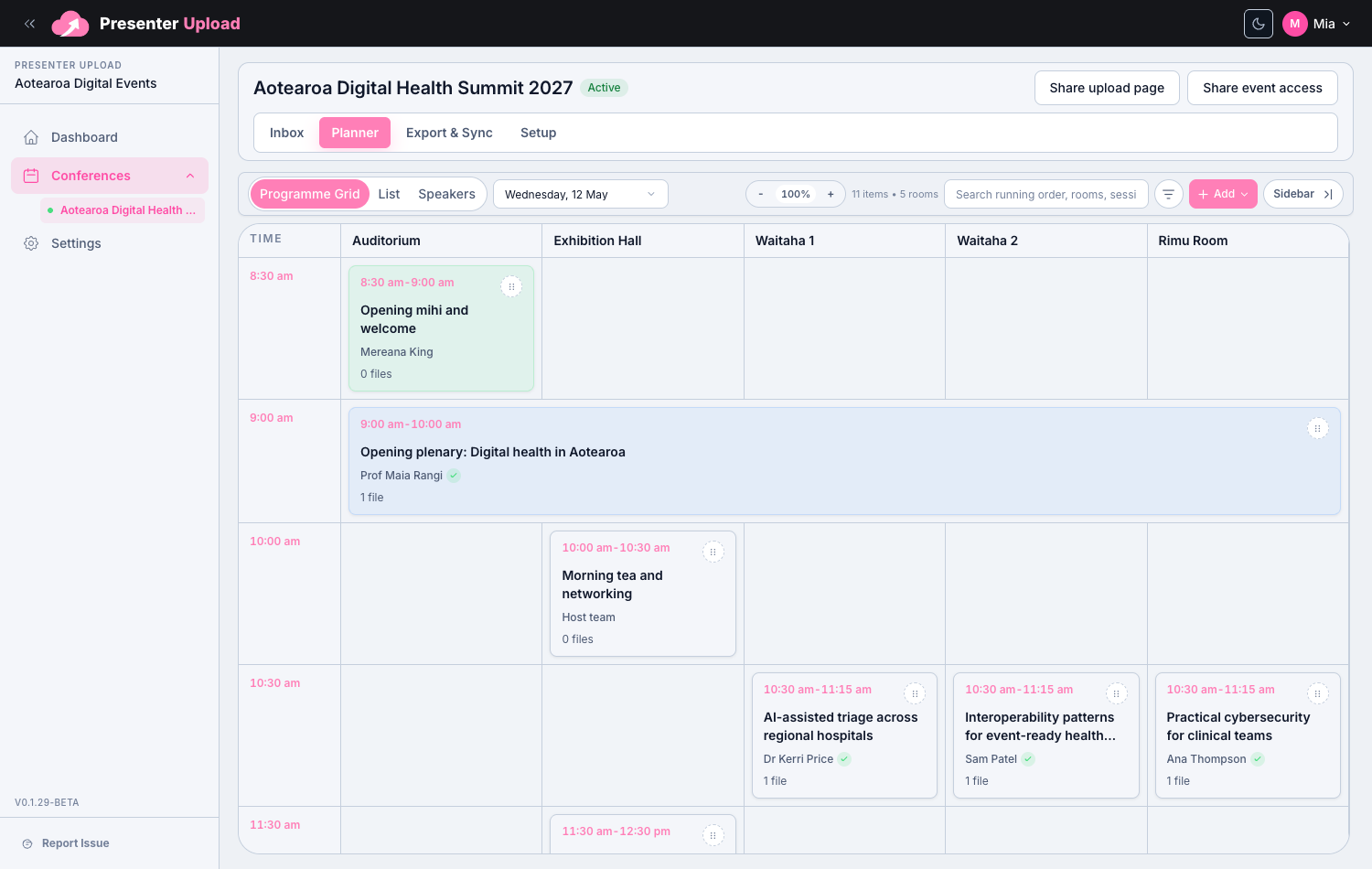
Programme setup

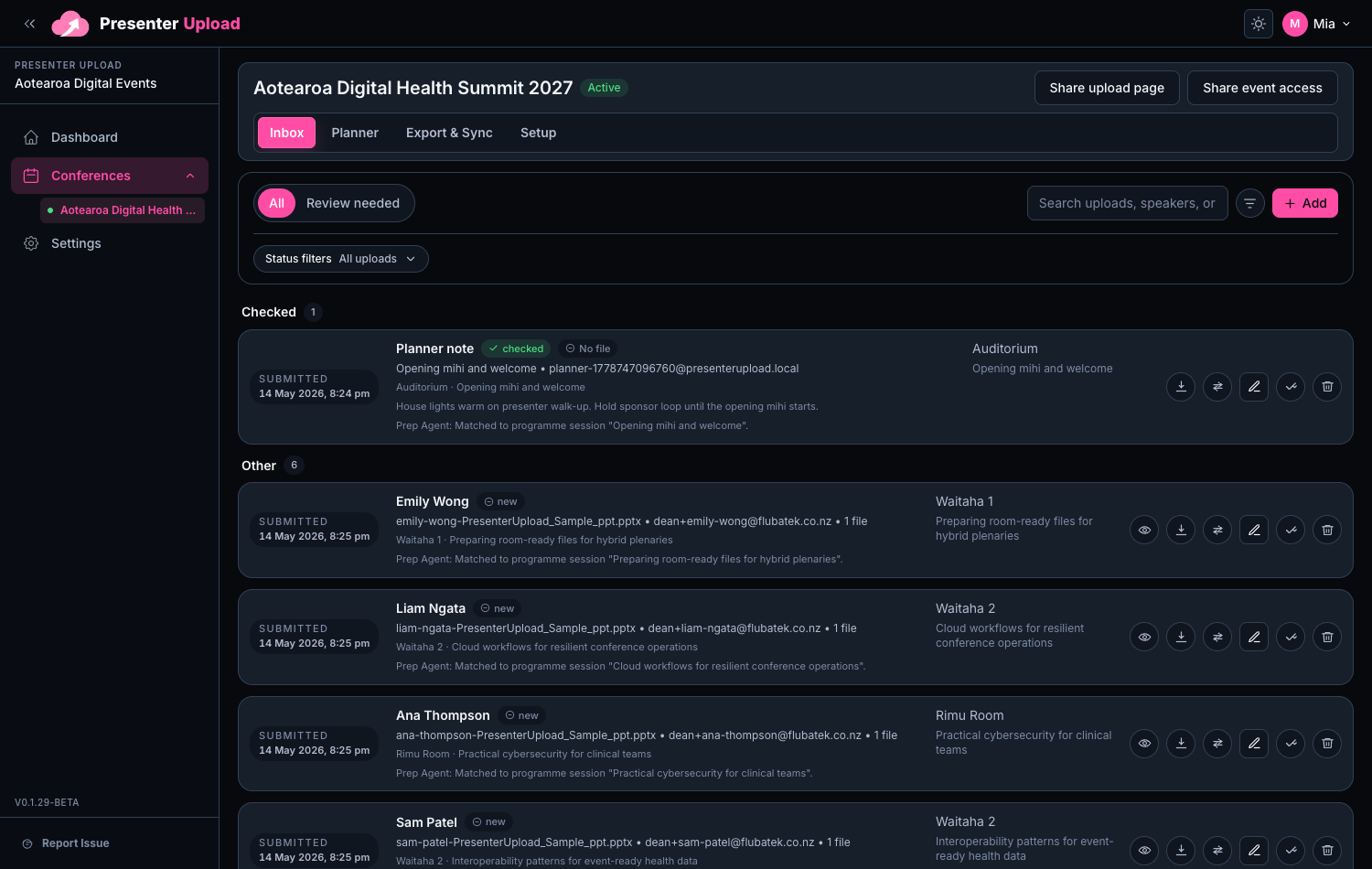
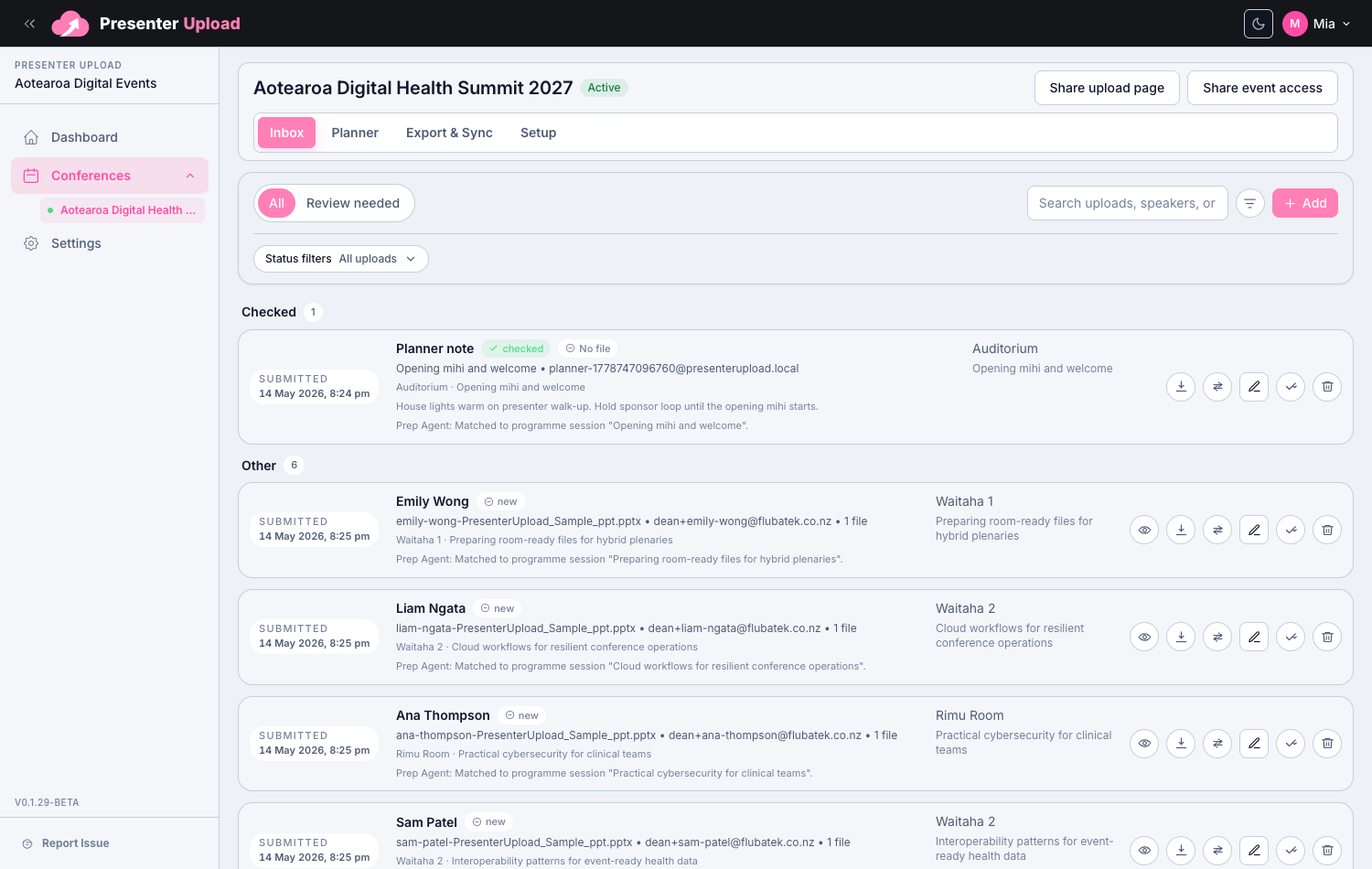
Submission review

File sorting

Operational notes

Designed around event operations

Keep conferences, rooms, sessions, presenters and files connected.

Less status chasing

See what arrived, what changed and what still needs review.

Ready for the handover moment

Prepare room packs without rebuilding the structure by hand.
Windows Room Delivery

Carry the workflow all the way to the room laptop.

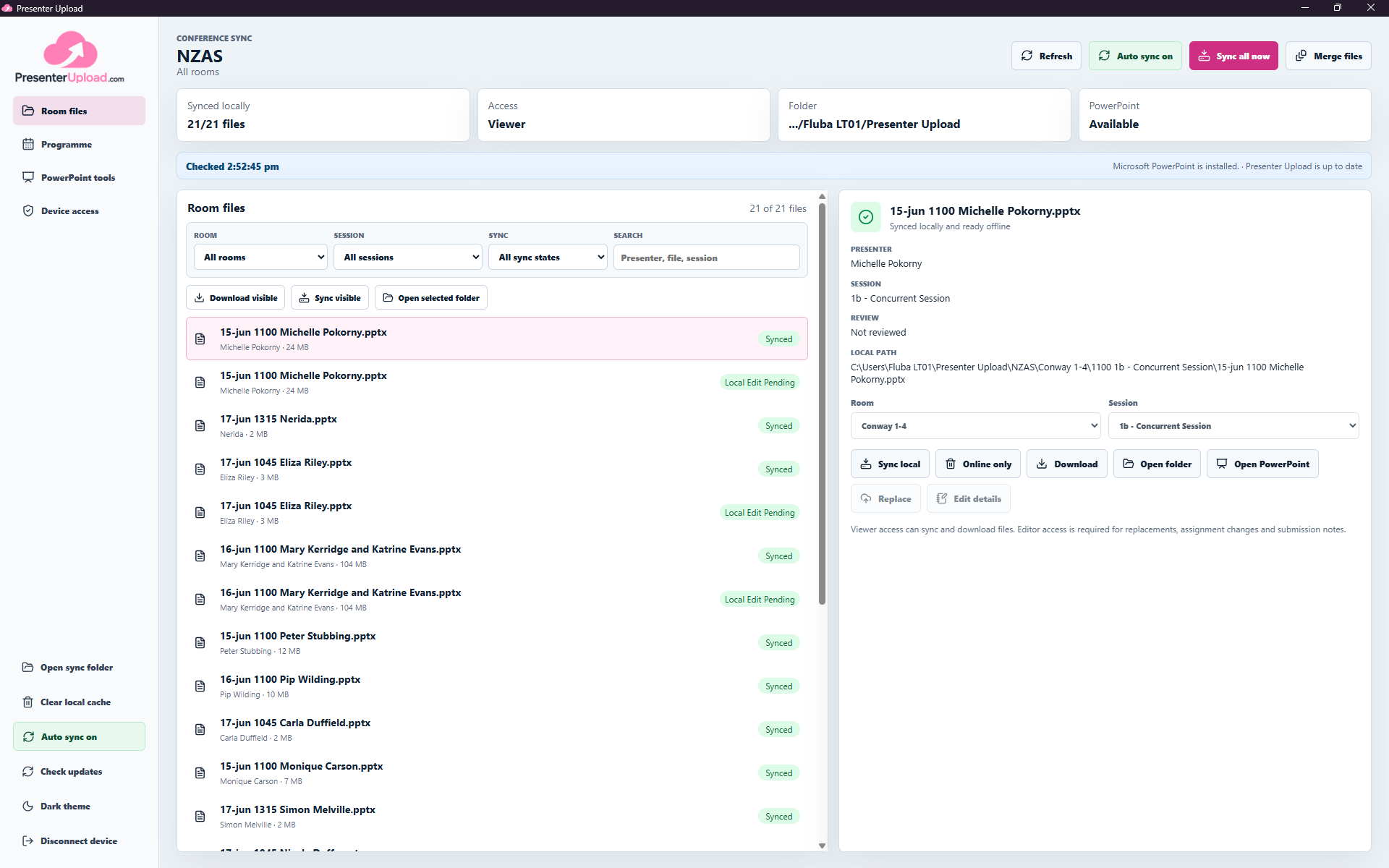
Presenter Upload does more than collect and organise files. The Windows app keeps the presentations assigned to each room available locally and up to date for the operator running the session.

  • Assign each device to one room or the full conference.
  • Keep new and revised presentations synced automatically.
  • Keep the selected room files available when venue internet drops.
  • Find presenters, open PowerPoint and recover missing files onsite.
Explore the Windows app
Room-scoped Windows workspacePresenter Upload Windows app showing room-scoped conference files ready for an operator.

Questions

Common search questions, answered clearly.

How does Presenter Upload help event operations?

It brings presenter uploads, programme matching, file review and delivery preparation into one workspace for the event team.

Can files be sorted by room and session?

Yes. The workspace is designed around conference operations, so files can be organised by room, session, presenter and running order.

Can organisers see what still needs review?

Yes. Submission status helps teams spot missing files, changed uploads, files that need review and material ready for delivery.

Event Presentation Management | Presenter Upload