
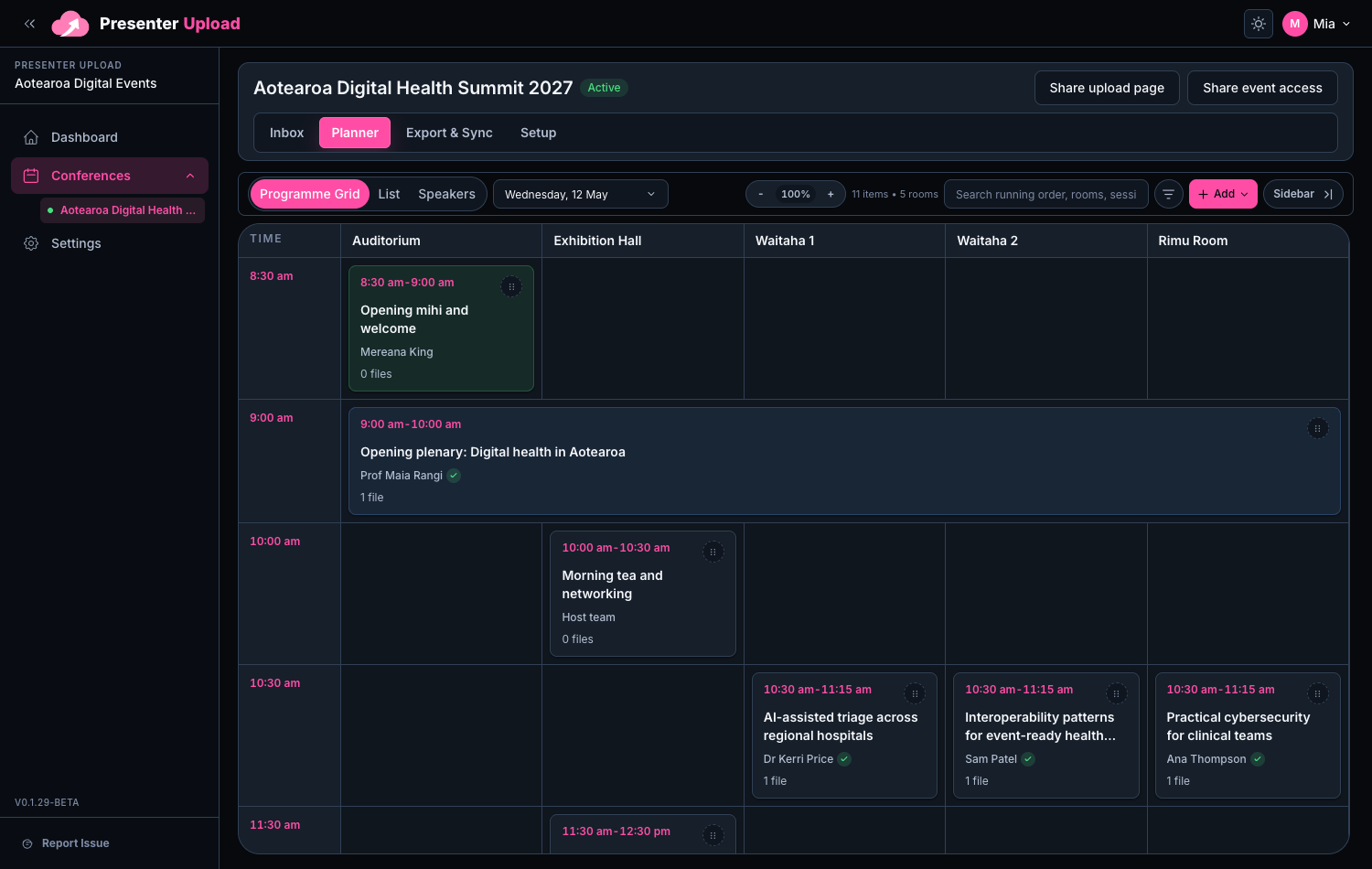
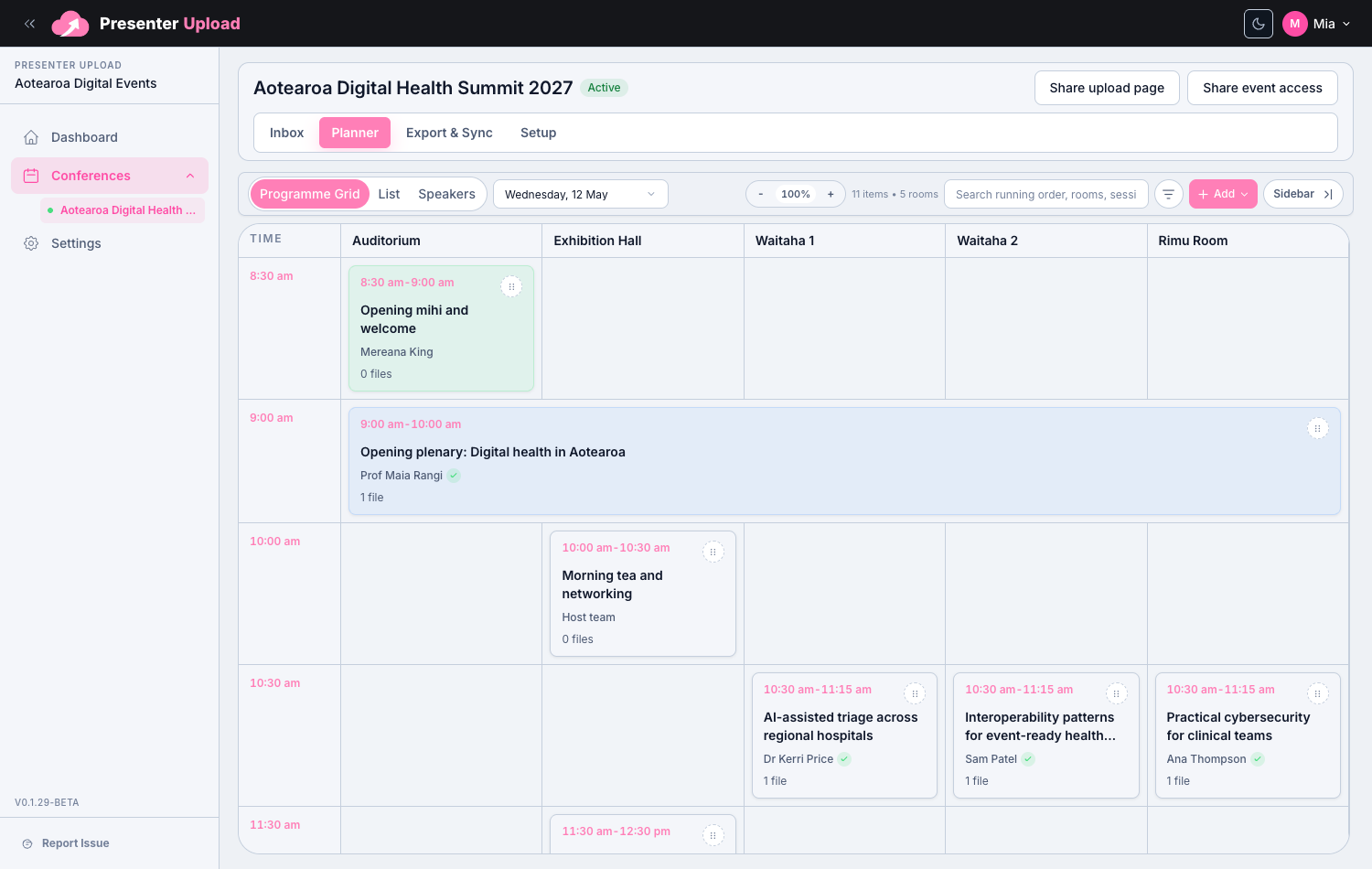
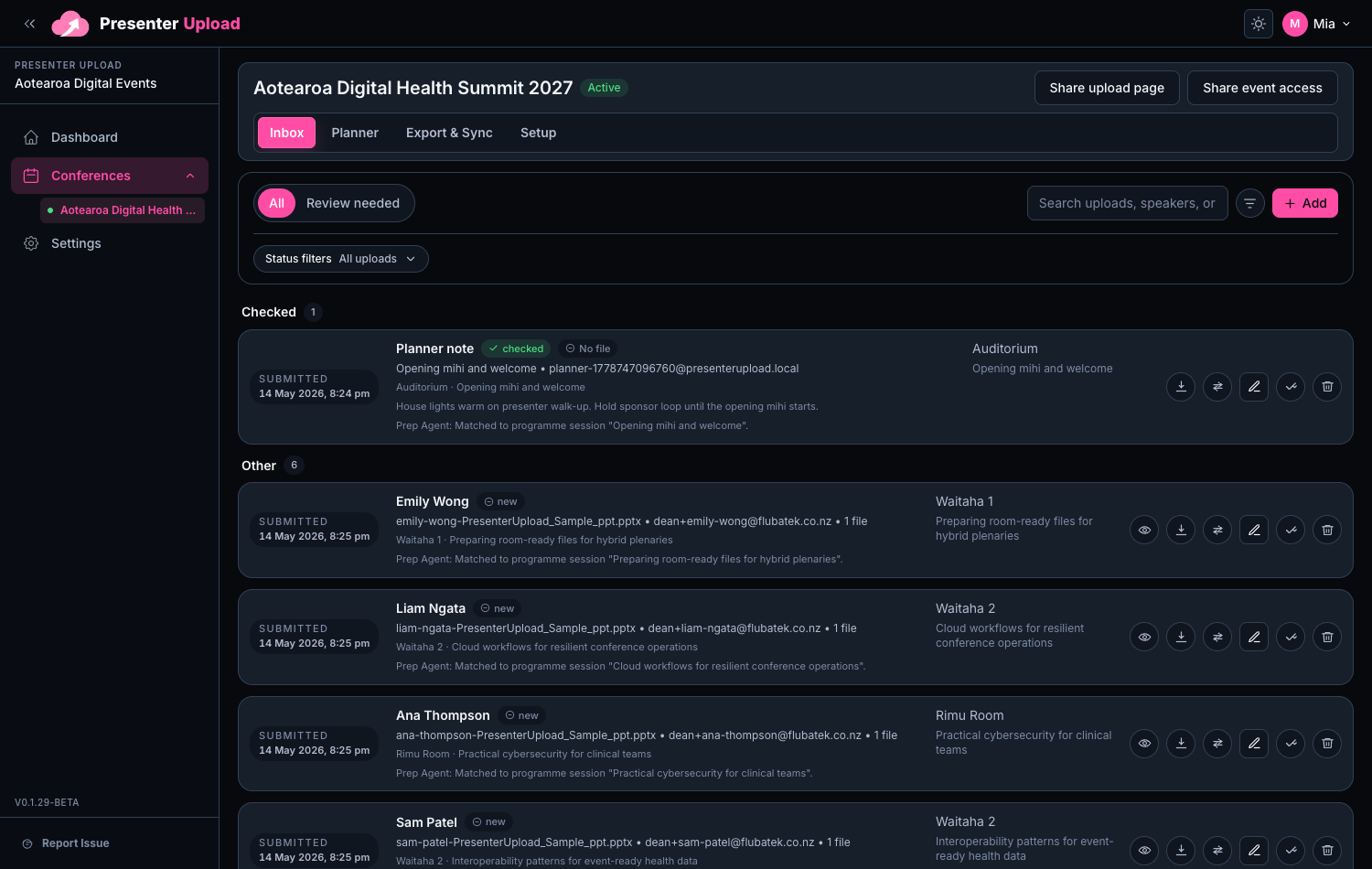
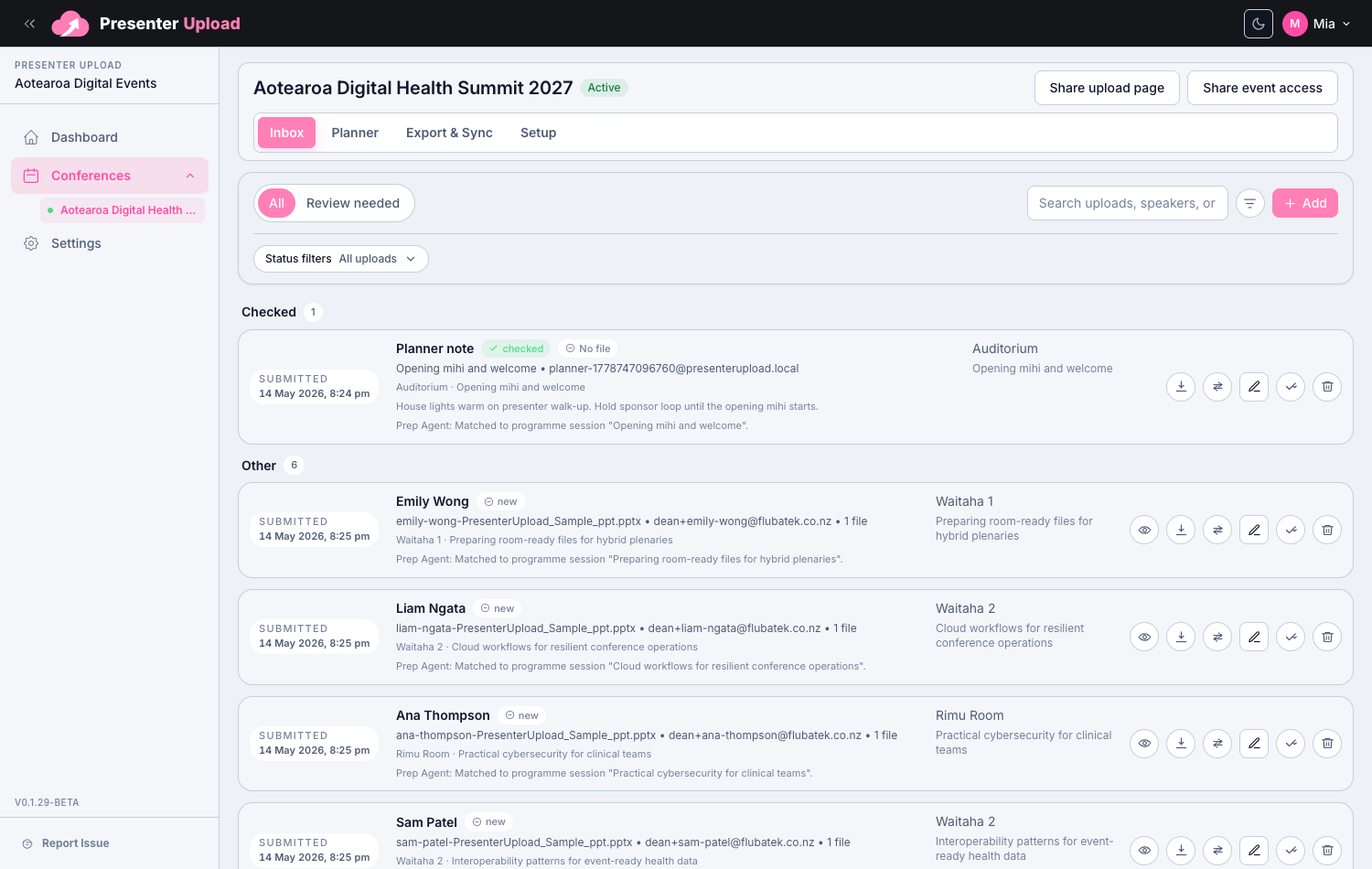
Speaker managers

A speaker presentation upload portal that feels like your event.

Give speakers a branded place to send slides, support files and session notes without asking them to search through email threads.

Event branding

Speaker details

Simple confirmation

Clean organiser review

A better first touch for presenters

Use event branding and clear instructions, so speakers know what to send.

Submission details stay with the file

Presenter details, notes and upload history stay attached to the submission.

Clear enough for busy speakers

Upload, confirm and return later if changes are allowed.
Windows Room Delivery

Carry the workflow all the way to the room laptop.

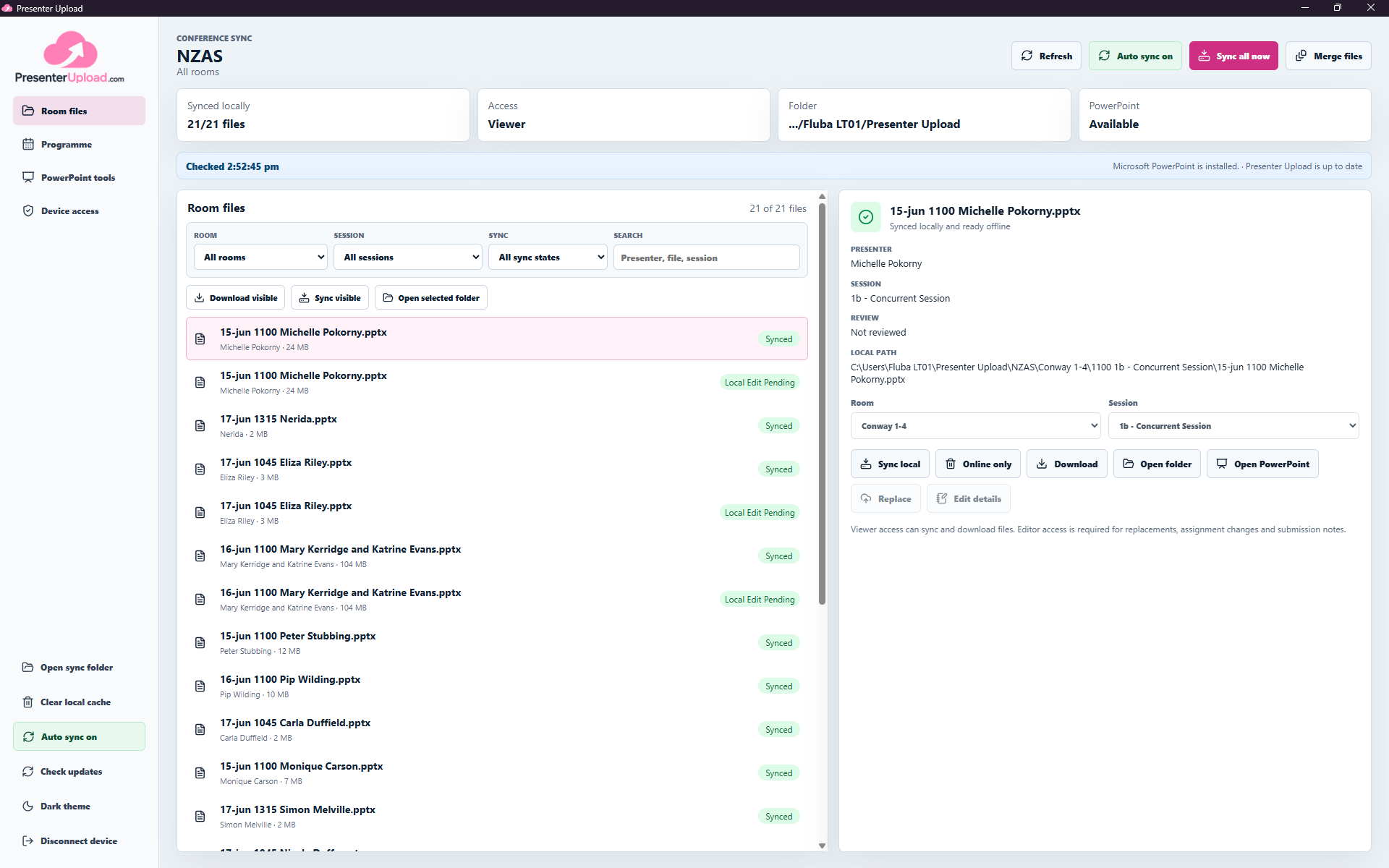
Presenter Upload does more than collect and organise files. The Windows app keeps the presentations assigned to each room available locally and up to date for the operator running the session.

  • Assign each device to one room or the full conference.
  • Keep new and revised presentations synced automatically.
  • Keep the selected room files available when venue internet drops.
  • Find presenters, open PowerPoint and recover missing files onsite.
Explore the Windows app
Room-scoped Windows workspacePresenter Upload Windows app showing room-scoped conference files ready for an operator.

Questions

Common search questions, answered clearly.

Can the upload portal match the event brand?

Yes. Organisers can use event logos, banners, colours and instructions so the upload page feels familiar to presenters.

What do speakers see after uploading?

Speakers get a clear confirmation flow and can return to the portal when the event team allows further file changes.

Can the portal collect notes as well as files?

Yes. The presenter flow can collect contact details, session notes and file information alongside uploaded presentations.

Speaker Presentation Upload Portal | Presenter Upload