
AV teams

Organised presentation handovers for conference AV teams.

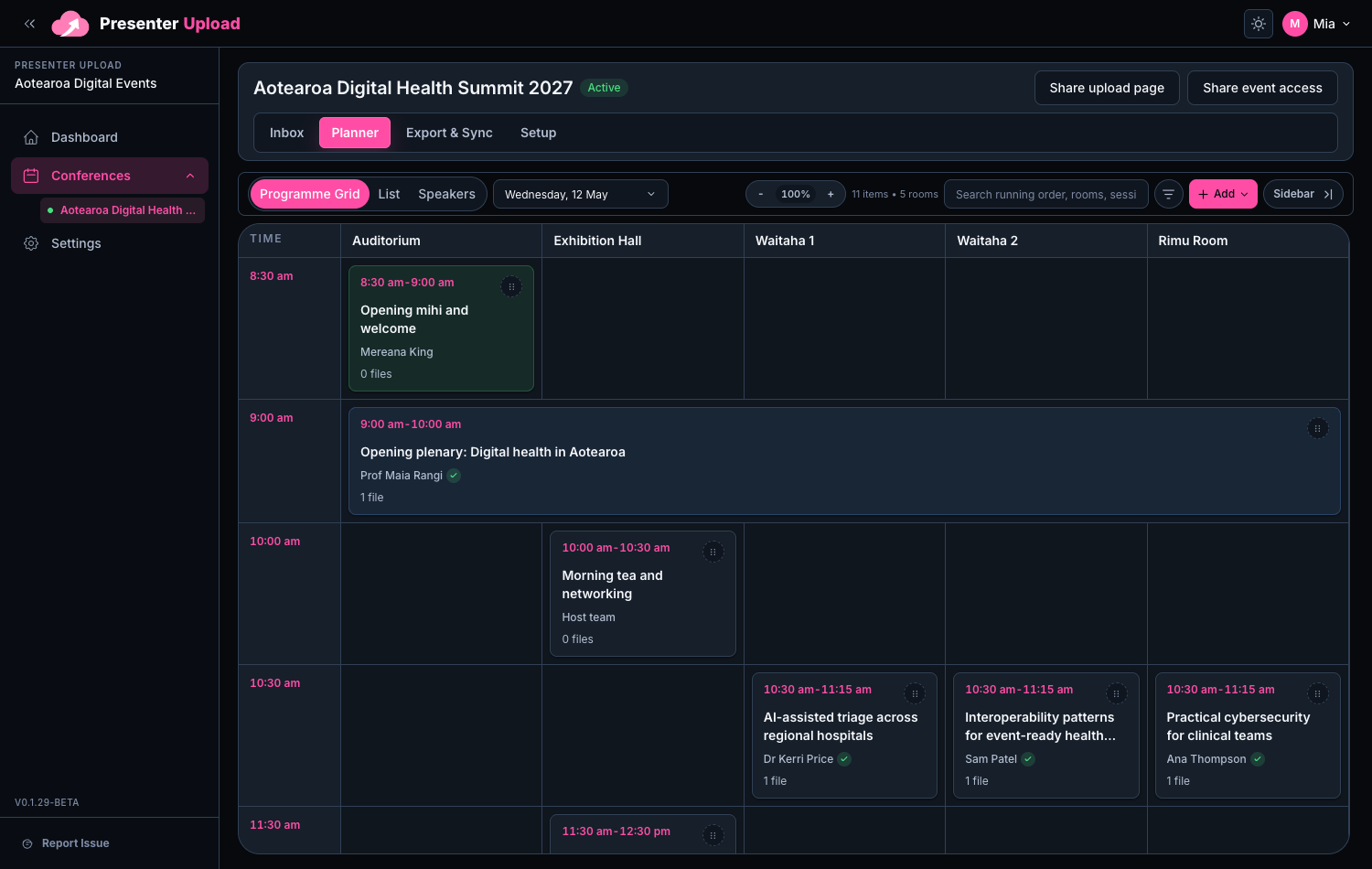
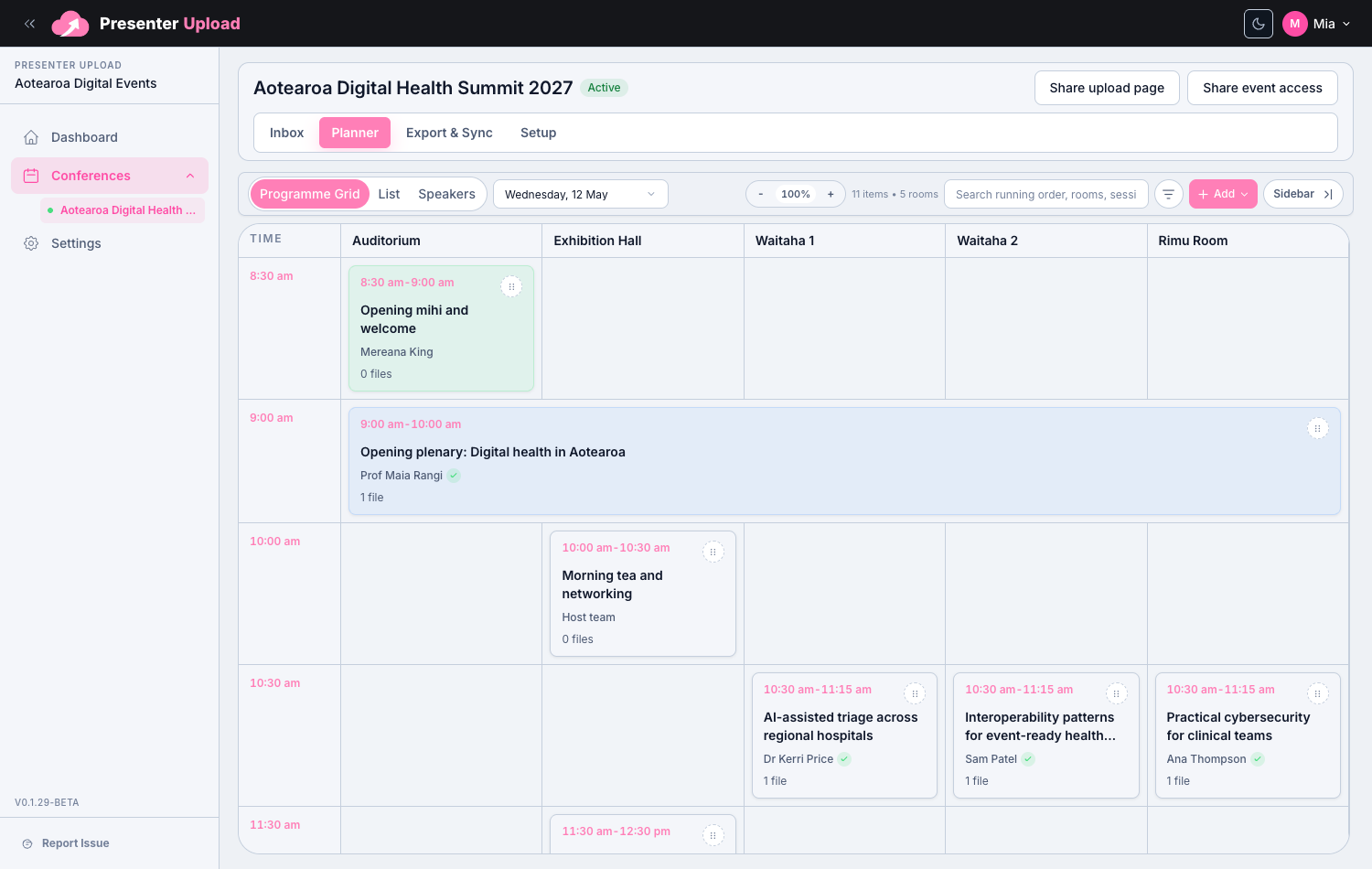
Help operators receive the files they need with room, session and presenter context already attached.

Room folders

Presenter context

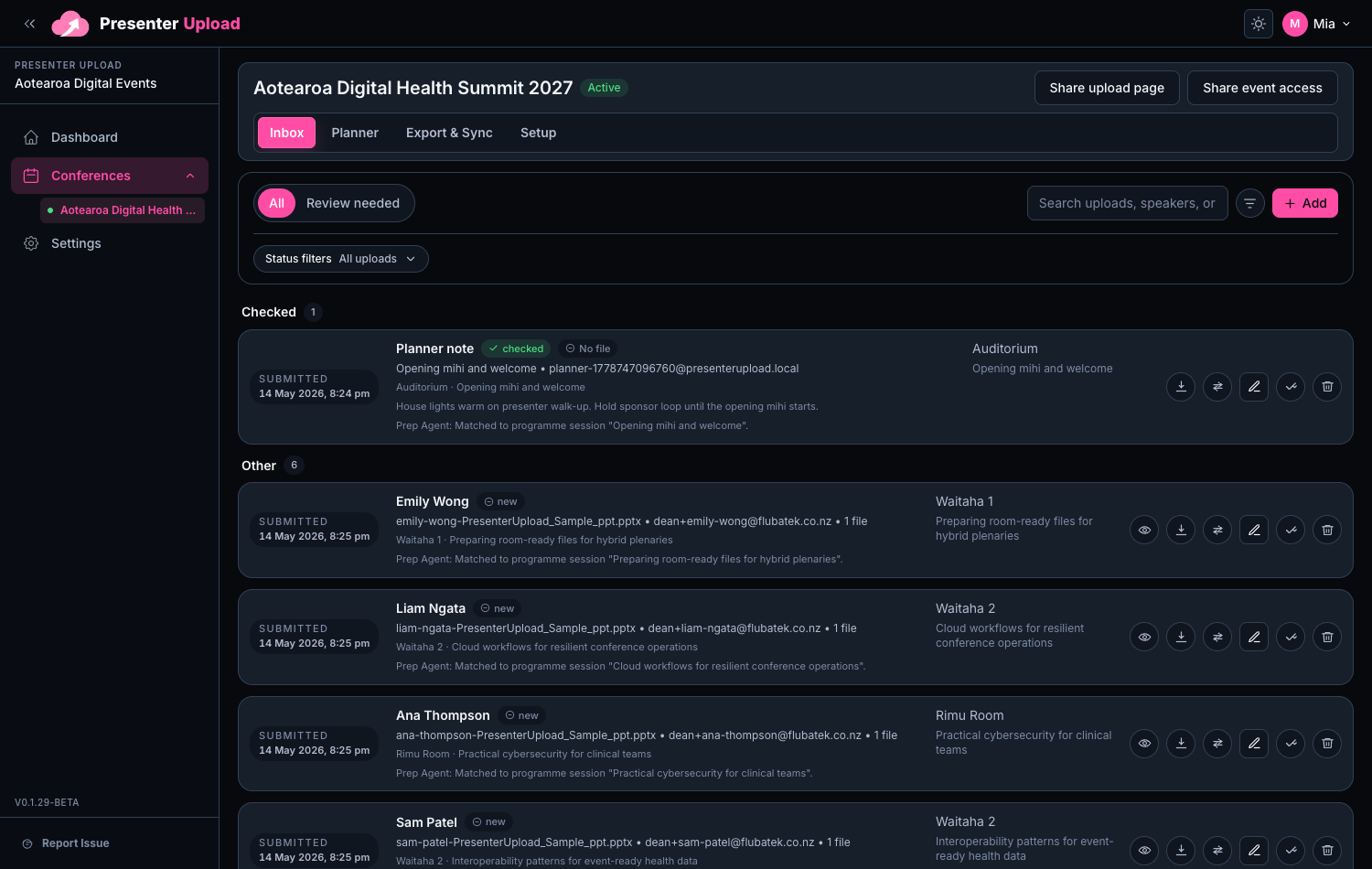
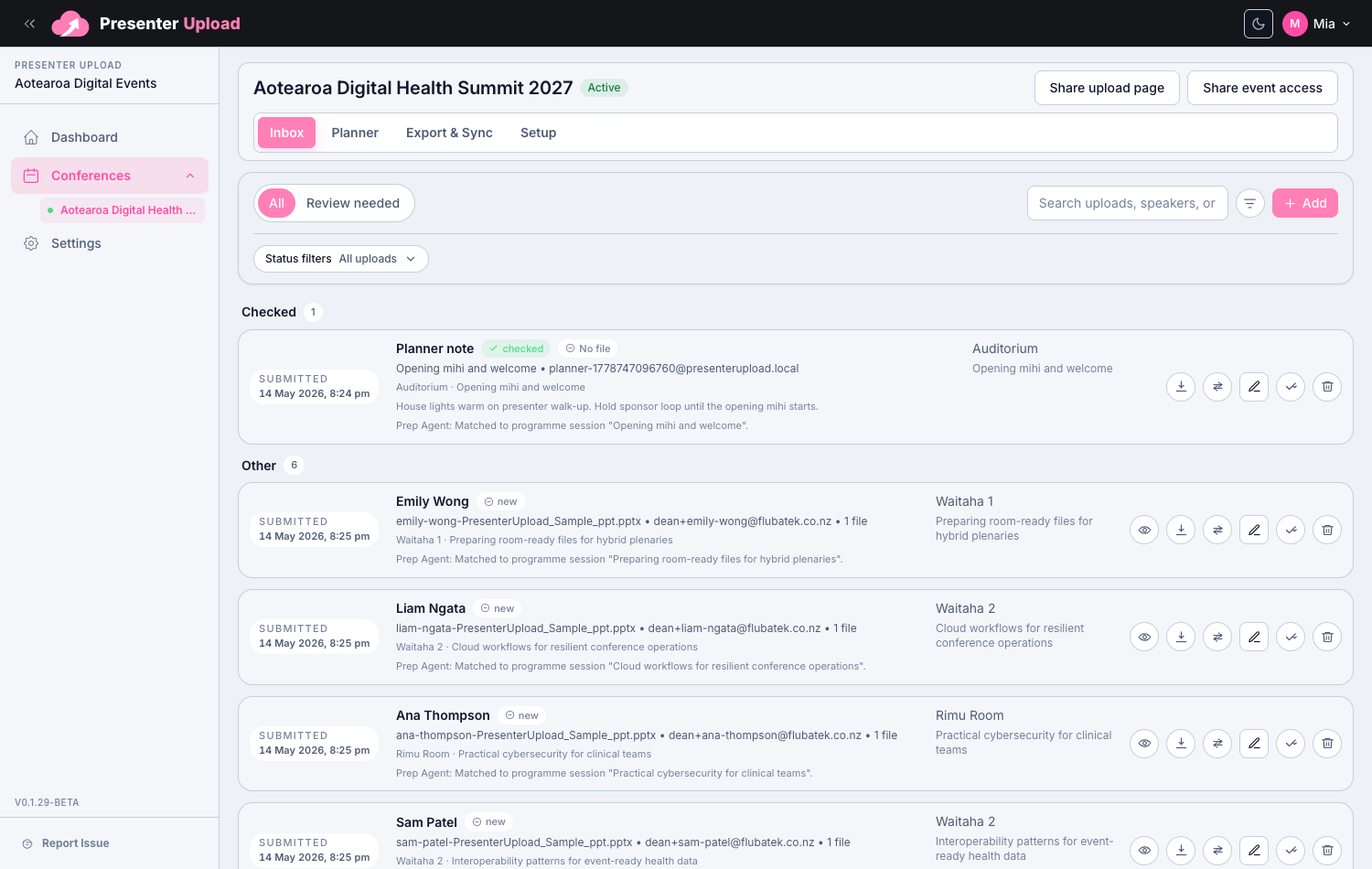
Revised files

Ready exports

Less guessing before doors open

Give operators files with room, session and presenter context.

Built for the organiser-to-AV handover

Collect and review first. Hand over a structure AV teams can check quickly.

Practical delivery workflows

Move from reviewed submissions to usable room packs.
Windows Room Delivery

Carry the workflow all the way to the room laptop.

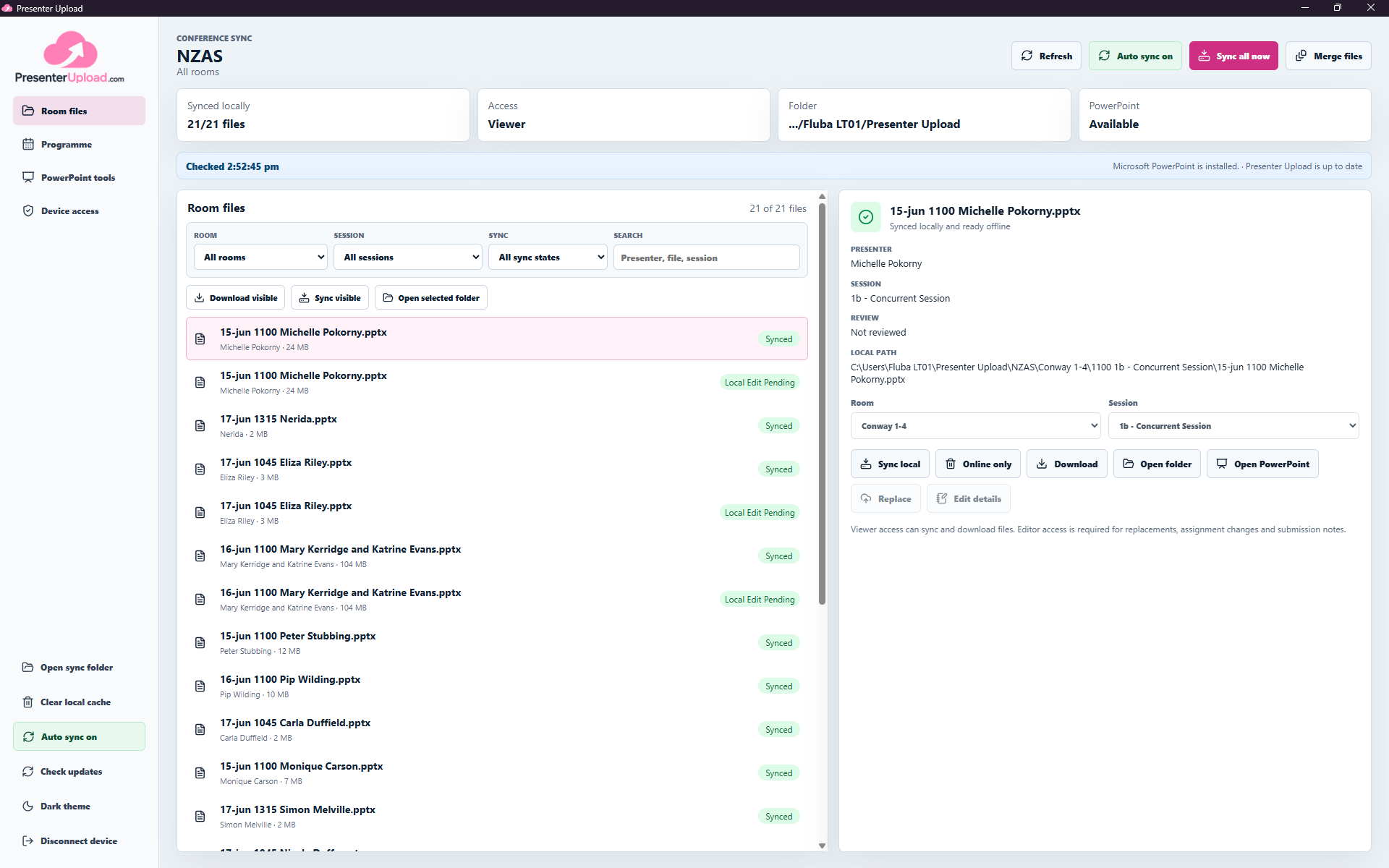
Presenter Upload does more than collect and organise files. The Windows app keeps the presentations assigned to each room available locally and up to date for the operator running the session.

  • Assign each device to one room or the full conference.
  • Keep new and revised presentations synced automatically.
  • Keep the selected room files available when venue internet drops.
  • Find presenters, open PowerPoint and recover missing files onsite.
Explore the Windows app
Room-scoped Windows workspacePresenter Upload Windows app showing room-scoped conference files ready for an operator.

Questions

Common search questions, answered clearly.

How does Presenter Upload help AV teams?

It helps organisers hand over files with session context, review status and room structure instead of a loose folder of mixed uploads.

Can support files be kept with presentation files?

Yes. Support files, sponsor loops and operational material can stay connected to the right conference context.

Does the AV team need to manage presenter accounts?

No. Presenters use the public upload portal while organisers manage review and delivery preparation inside the workspace.

Conference AV File Handover | Presenter Upload